Flat Bed Foil Printer User Guide
Peleman Industries
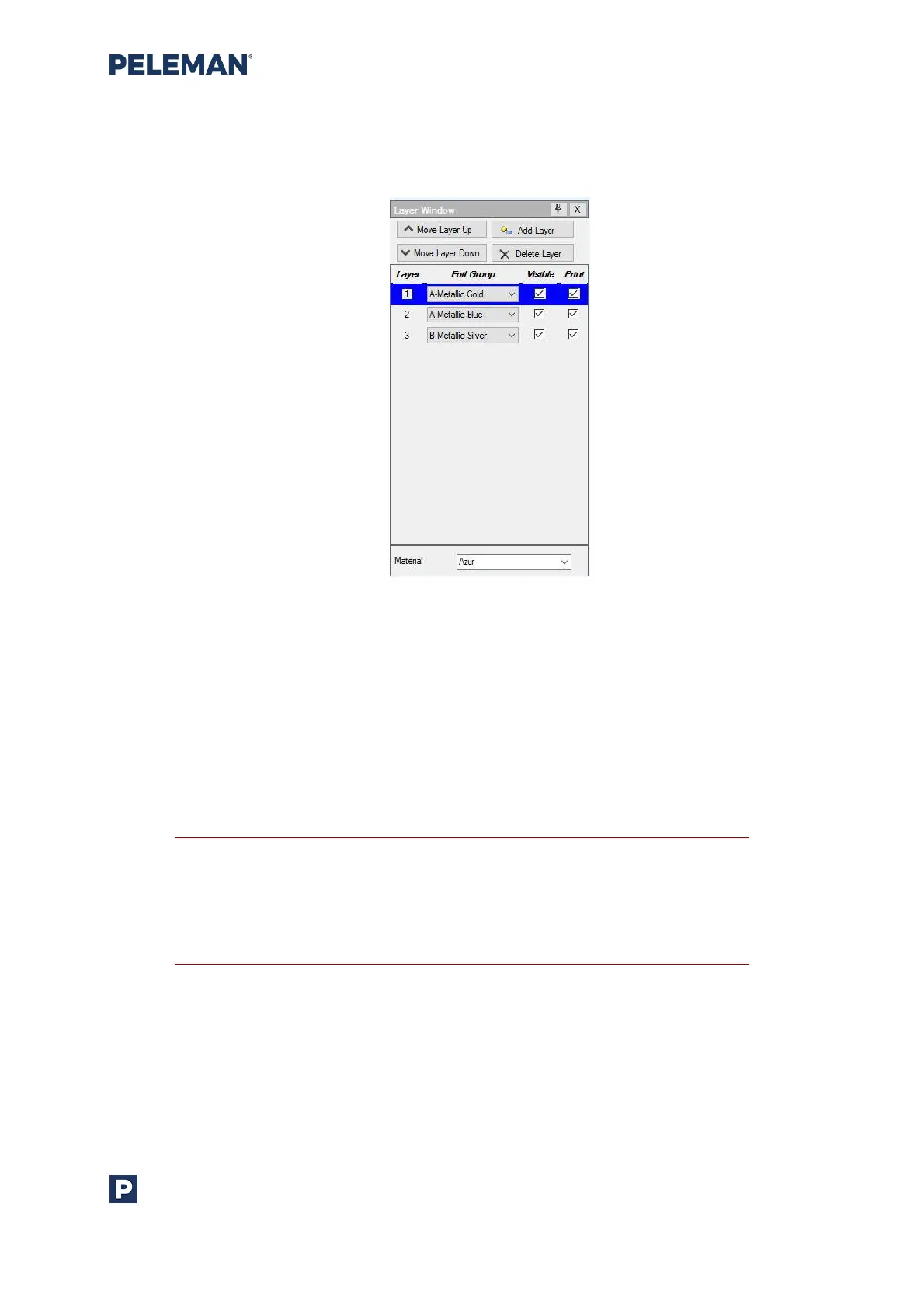
Figure 33: Layer Window
Multiple colours may be used on one object. Add separate layers in layer window for each
colour. Elements inserted in one foil colour layer stay visible when another foil colour layer is
selected. Only foil colour layers that contain elements will be printed. The Flat Bed Foil
Printer PC Tool software will guide the user through the process of changing foils.
Users may activate or deactivate the visibility and print function for each layer by choosing
the appropriate checkboxes for each layer. New layers can be added; existing layers can be
deleted as well as rearranged within the layer window by using the associated buttons
available at the top of the layer window.
Tip: The material will define the ideal settings. To change settings due to
unsatisfactory print results, either click ‘Adjust Print Settings’ in the top
menu or go to ‘Tools’ -> ‘Customize’ and edit settings of existing material
or add a new one with other settings. Users will need to select the
corresponding material in material window before printing on it.



 To Next Page