Flat Bed Foil Printer User Guide
Peleman Industries
5.4 Launch Application
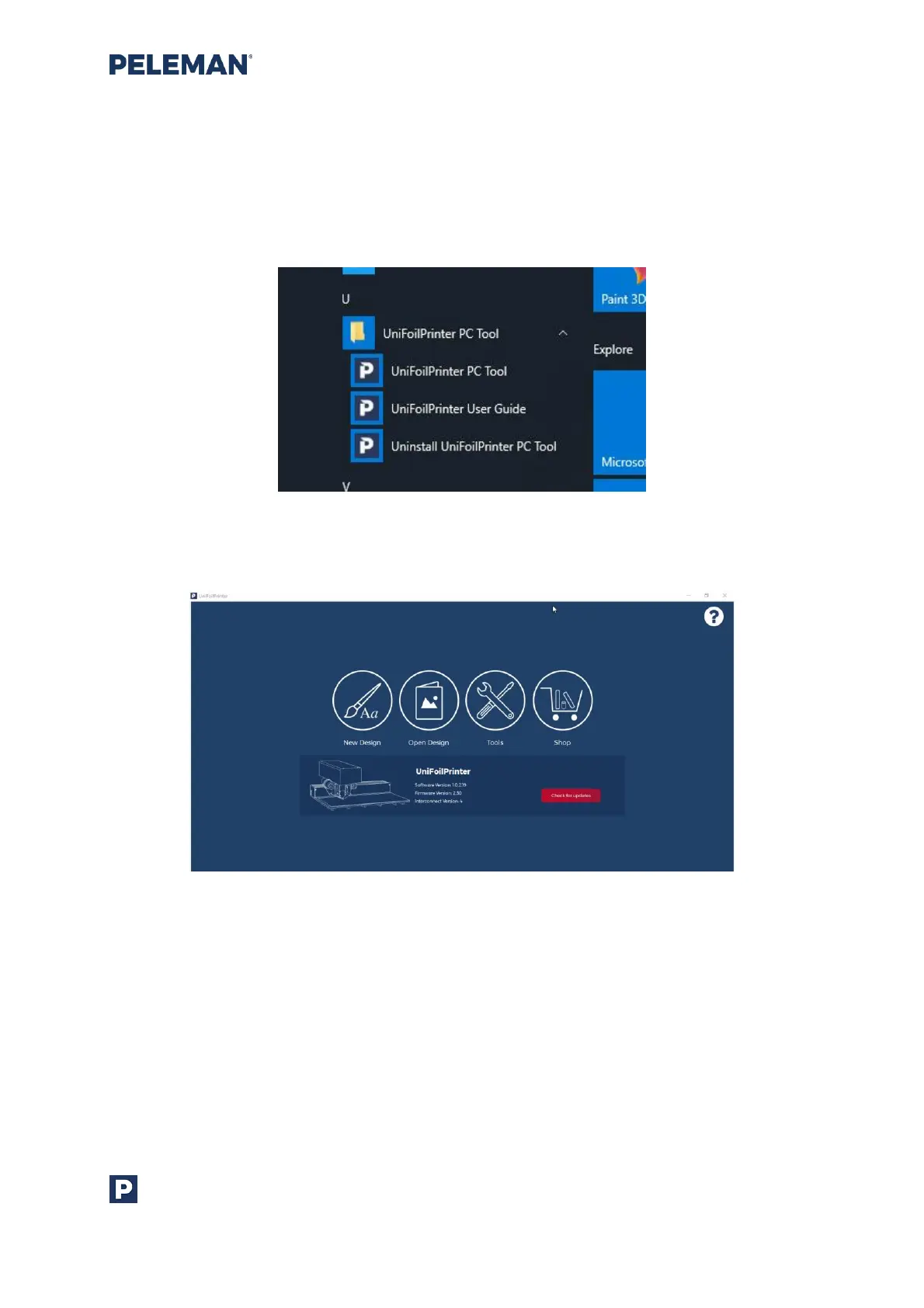
To launch the application after installation, go to All Programs in the Start Menu, followed
by Flat Bed Foil Printer PC Tool subfolder and finally select Flat Bed Foil Printer PC Tool as
shown in figure 13.
Figure 13: Available Options in All Programmes of Start Menu for Launching Application
A new application will be launched as shown in the figure 14.
Figure 14: Flat Bed Foil Printer PC Tool
The software may also be launched through the shortcuts created on the user’s desktop
and/or quick launch folders. These shortcuts will only be available if the relevant option was
selected during the installation process.



 To Next Page