Flat Bed Foil Printer User Guide
Peleman Industries
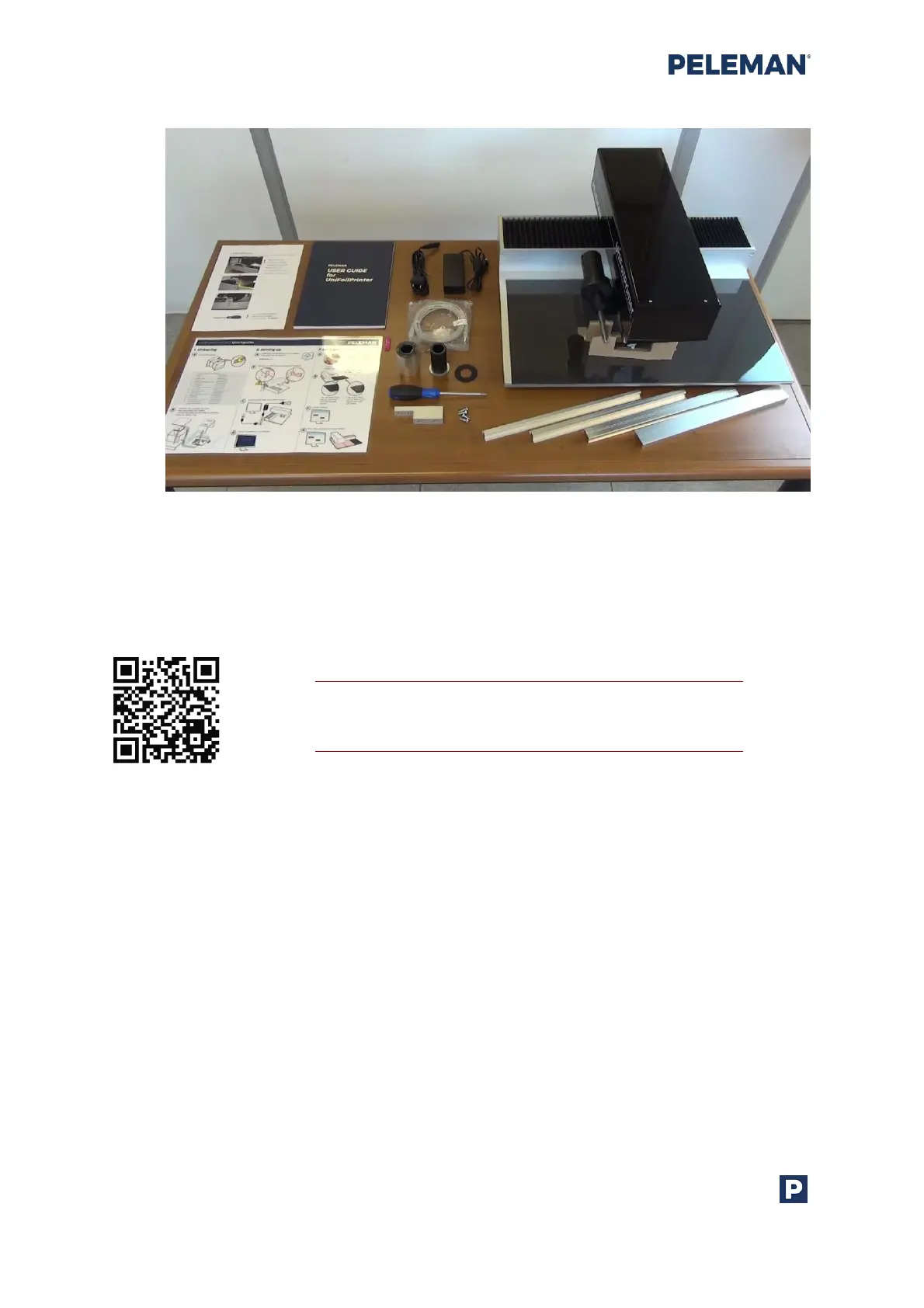
Figure 5: Flat Bed Foil Printer Package Contents
3.3 Setting Up The Flat Bed Foil Printer
Tip: Scan the QR code to access
the demonstrational video
Make sure you remove the ‘locking tool’ and supports first, before connecting the printer to
power supply. Remove the lock tool completely with supplied screwdriver. Do not lose
those items as they may be needed for transportation in the future. You can place the
machine back in transport position via Settings in software. Never transport the machine
without properly attaching locking tool.



 To Next Page