Flat Bed Foil Printer User Guide
Peleman Industries
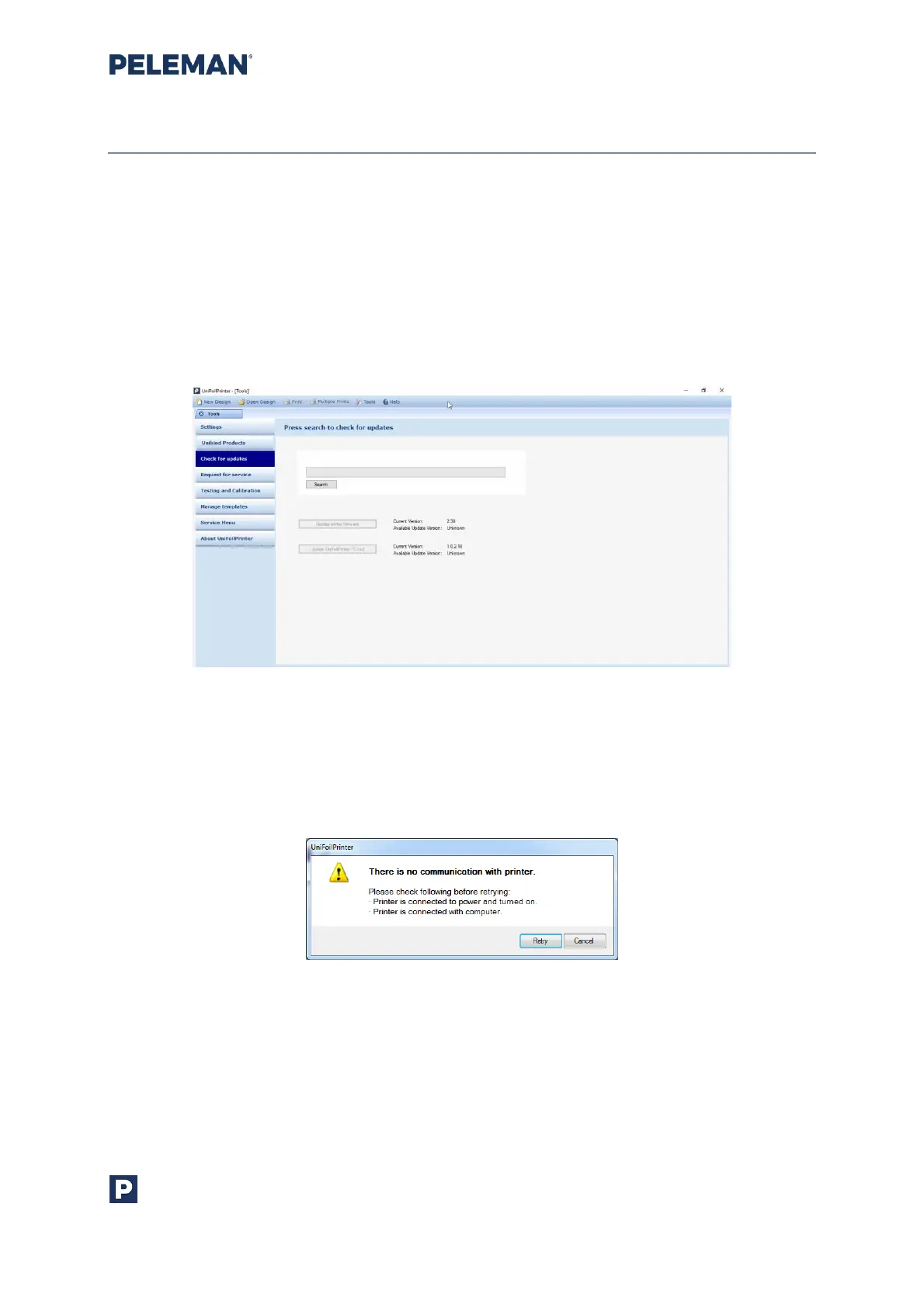
5.8.3 Check for Updates
Cheching the availability of new software and firmware updates from the designated
server. It may also be used to update firmware or software by downloading the updates
from the server.
The associated printing device must be connected to the system before checking for
updates or updating firmware. The system must also be connected to the designated
server through Internet / network connection to check and download updates from the
server.
Figure 47: Tools to Check for Updates
If the associated printing device is not connected while checking for updates, then a
warning message will prompt the user to connect the printer to the system, as shown in
figure 48.
Figure 48: Warning Message if Printer is Not Connected
Similarly, if the system is offline, i.e. not connected to the server, then another warning
message will appear asking the user to connect to the server, as shown in figure 49. Please
try to check for updates later.



 To Next Page