Flat Bed Foil Printer User Guide
Peleman Industries
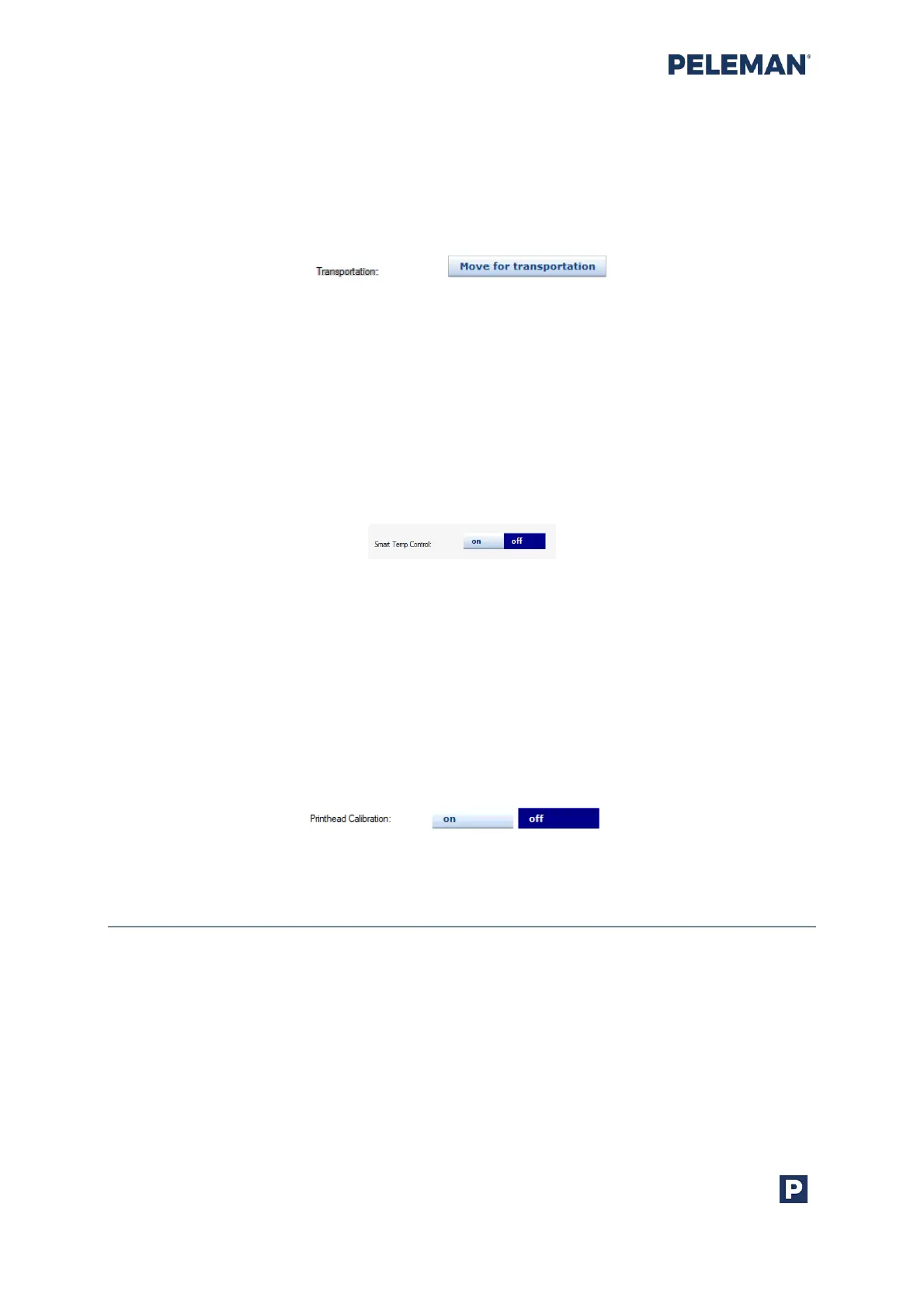
• Transportation
This setting is used to move the head to preset position, suitable for transporting
the Flat Bed Foil Printer to a different location. This position is also frequently
used for servicing the machine. This preset position is the so-called safe location,
with the locking tool must be mount for transportation.
Figure 44: Setting in Tools for Transportation
• Smart Temperature Control
When Smart Temp Control (SMT) is “On”, then automatic temperature
adjustment in printhead is used during printing. By default, this setting is off.
The setting is not shown if the connected hardware does not support this
feature (below version 2.17).
The smart temp control can improve temperature spreading in the printhead
making it possible to print large and complex images without burning the foil.
Figure 45: Settings in Tools for Smart Temperature Control
• Printhead Calibration
Printhead calibration when switched on uses the device specific R-value for
calculation of desired burntime to be used for better quality printouts. By
default, this setting is off. The setting is not shown if the connected hardware
does not support this feature (below version 2.35).
Please note that printhead must be calibrated first. Via Testing and Calibration
section it is possible to calibrate the printhead.
Figure 46: Settings in Tools for Printhead Calibration
5.8.2 PELEMAN Products
This option opens the PELEMAN website in the system default browser. The designated
website displays useful information about all PELEMAN products. For further information
or to place an order, please contact your local distributor.



 To Next Page