Flat Bed Foil Printer User Guide
Peleman Industries
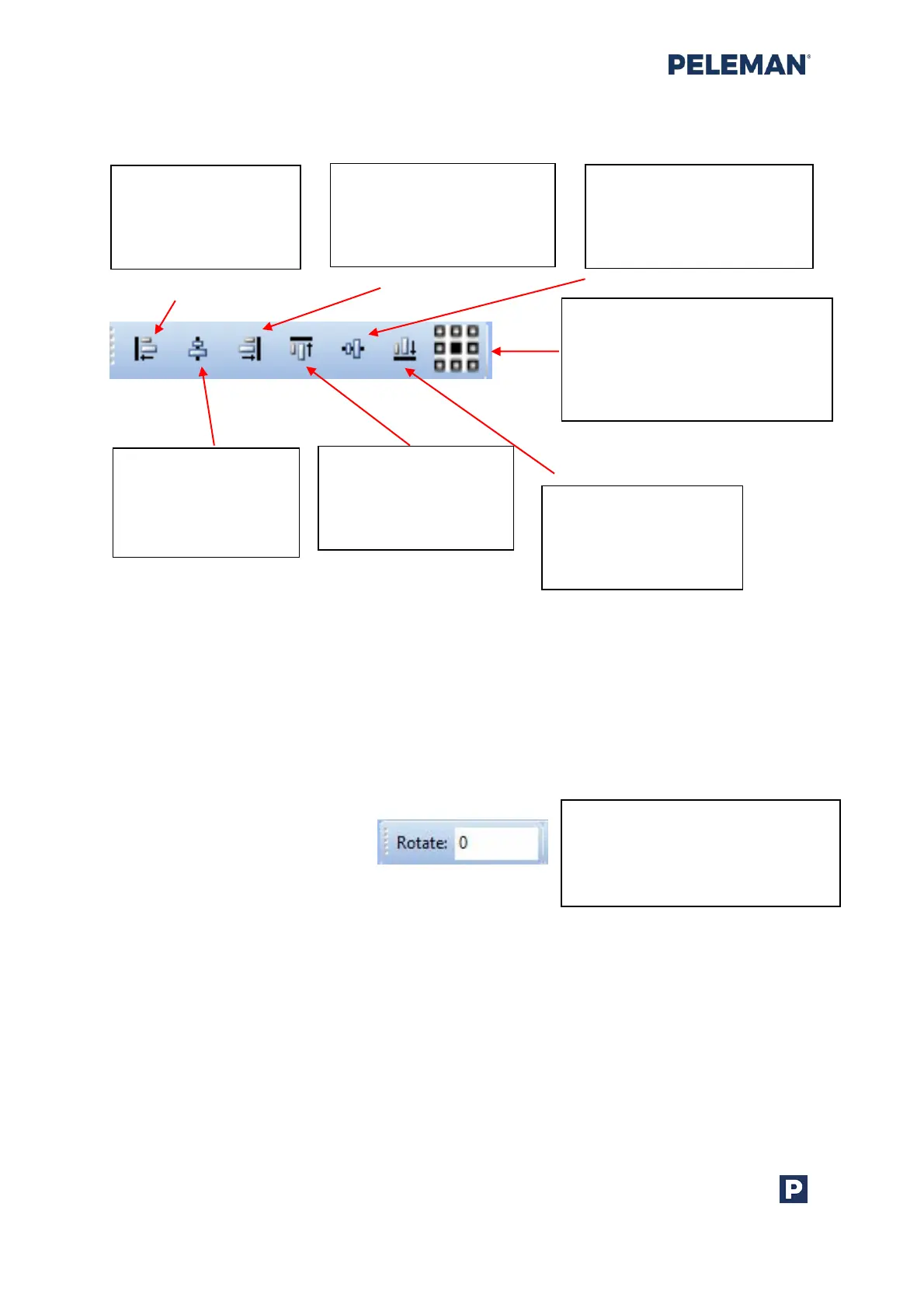
Group 5: Element Alignment
Figure 26: Design Toolbar Group 5 - Element Alignment
If a single element is selected, the alignment buttons will align to the edges and centre of
the print area.
Group 6: Rotation Degree
Figure 27: Design Toolbar Group 6 - Rotation Degree
Align Left: Align the
left side of the
selected elements to
the same location
Align Centre: Align
the centres of
selected elements to
the same location
Align Right: Align the
right side of the selected
elements to the same
location
Align Top: Align the
top side of selected
elements to the same
location
Align Middle: Align the
middles of the selected
elements to the same
location
Align Bottom: Align
the bottom side of
selected elements to
the same location
Align in Centre of Closed Cover:
Align the centre of selected
elements to the centre of the
closed cover. The selected text
is also centered within the box
Rotate: Rotate the selected
elements to the required angle.
By default, the angle of rotation
for an element is 0 degree



 To Next Page