Flat Bed Foil Printer User Guide
Peleman Industries
• Step 7: The print process will start. Follow the instructions on the screen and
replace the cover after each print.
5.5.14 Design Zooming
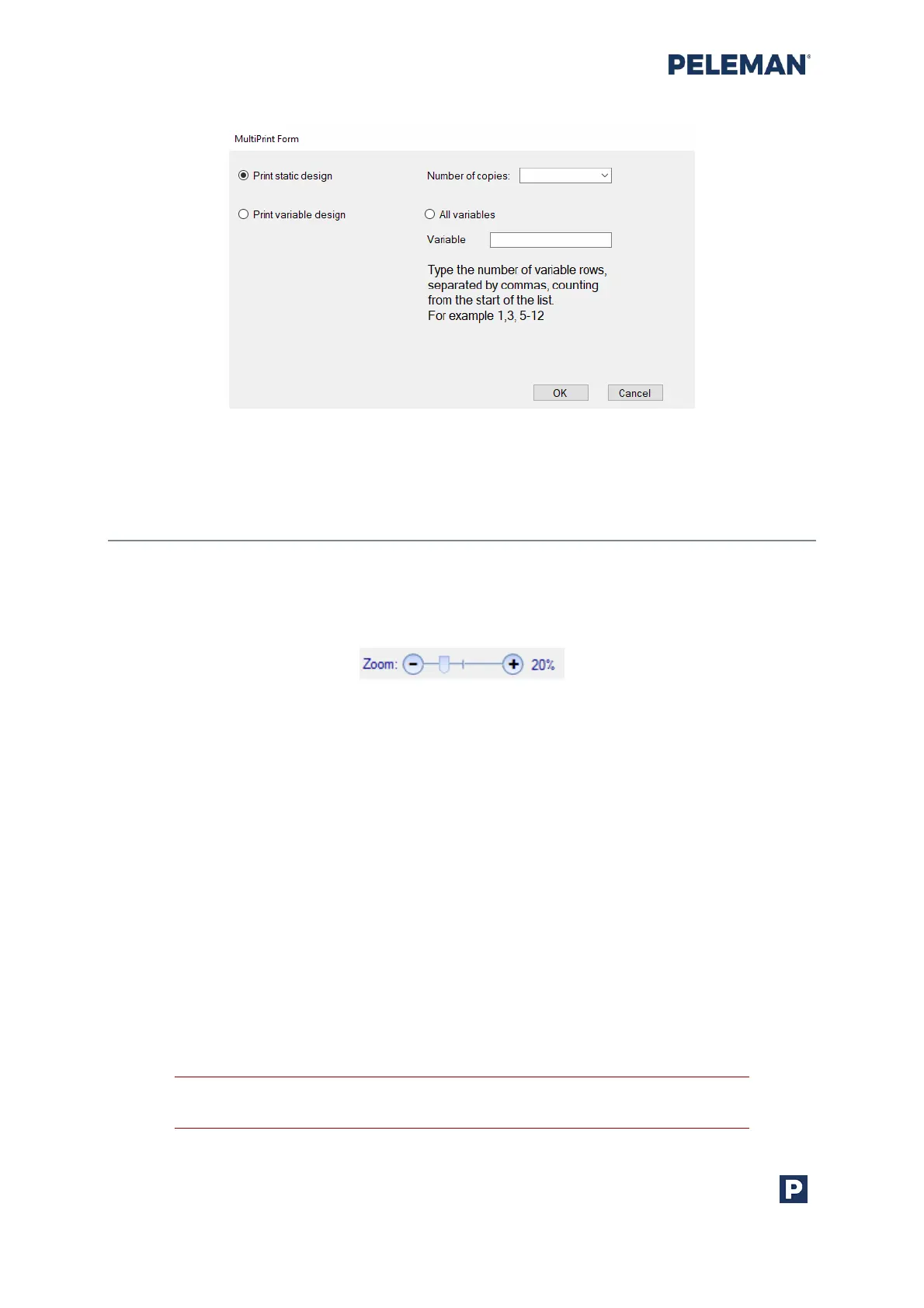
Users may zoom IN or zoom OUT within the design window using either the slider or the
associated plus and minus buttons provided at the bottom right side of the application as
shown in figure 35. Alternatively, the Shift + mouse scroll can be used to zoom IN or OUT.
Figure 35: Zoom Slider & Buttons
5.6 Open Design
To reopen a design, click on the Open option. The menu items are provided at the top of
the application window. A dialog box will appear to select the design file. Flat Bed Foil
Printer design files will have the file extension .upf.
5.7 Print Design
To print any saved design, the design must be opened in the application. To print the
design, click on the Print button in the menu at the top of the application window.
Similarly, a new design can also be printed right after the completed process by clicking on
the Print button without closing the design.
Follow the instructions carefully to achieve perfect printing results.



 To Next Page