Flat Bed Foil Printer User Guide
Peleman Industries
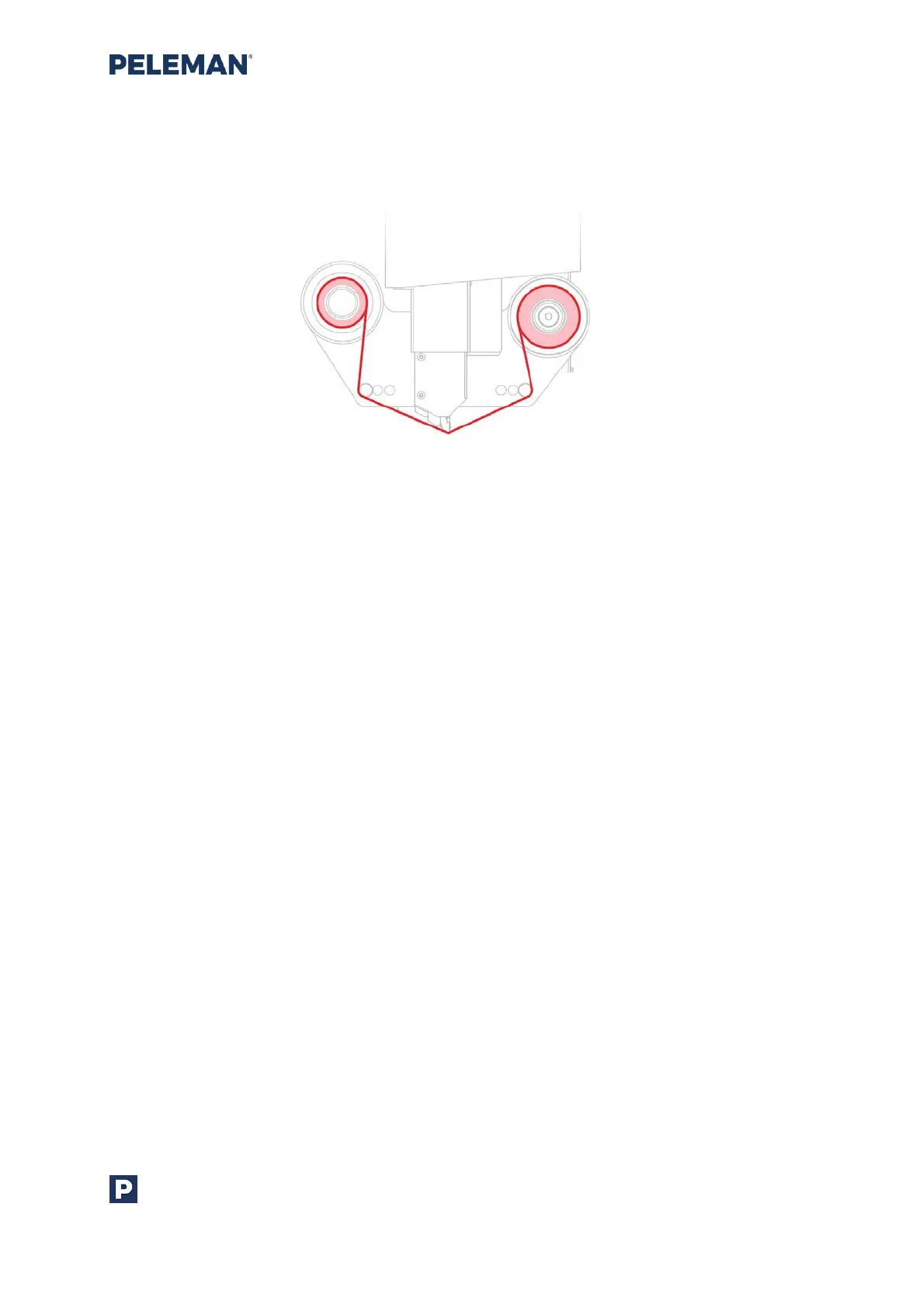
installation. The foil must be firmly fixed under the metal bars and the centre of the
printhead. For optimal use, the foil must be tight against the printhead. If needed, wind
manually the left side counterclockwise,
Figure 11: Foil Inserted in fead of Flat Bed Foil Printer
4.4 How To Remove The Foil
To change or remove the foil, gently pull both rolls at the same time. If you would like to
remove one of the sides, cut the foil, replace empty core or replace foil with another colour.
Make sure the metal ring doesn’t stay attached to the foil holder of the printer after
removing the foil coil. If it happens, you can remove the metal ring from the printer with a
strong magnet or a sharp knife. The ring can be glued back to the foil holder (same side)
with super glue. Alternatively, you can ask for replacement from your representative.



 To Next Page