Flat Bed Foil Printer User Guide
Peleman Industries
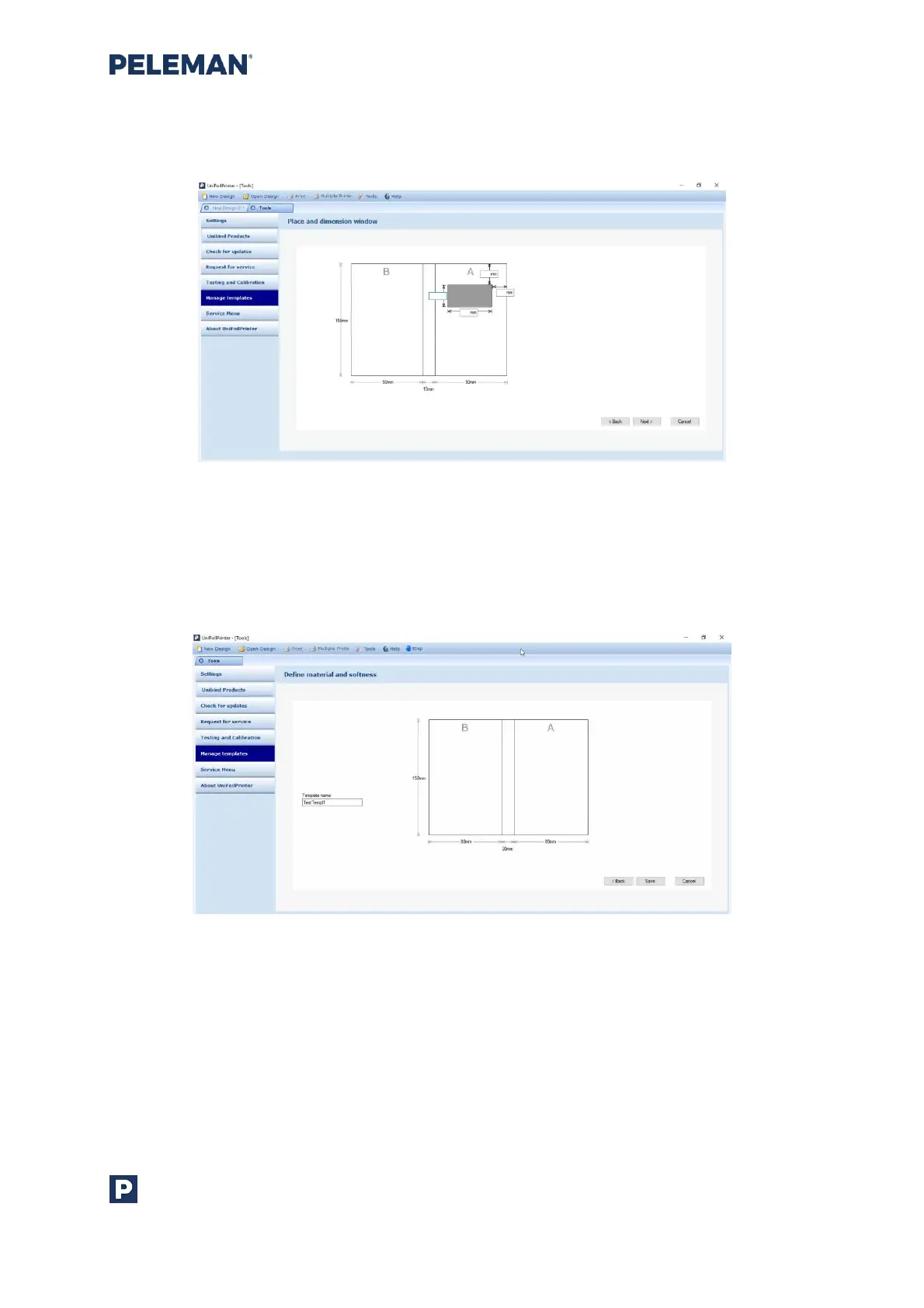
When creating a template type 1b, an additional screen to get measurements related to
the window on the cover will appear.
Figure 54: Screen for Inserting Dimensions of Window in New Template
In the next screen shown in figure 55, the user will be required to select a unique name for
the new template. Please note that the names of Flat Bed Foil Printer existing templates
cannot be used for new templates. Click on Save button to create a new template.
Figure 55: Screen for Selecting Material, Softness and Name of New Template
After the successful creation of a new template, a message will appear asking the user to
create a new design based on this newly saved template. The user may then continue.
5.8.5.2 Importing/ Exporting templates
With Import / Export buttons, it is possible to exchange templates. Use Export button to
save the selected template as a .upt file. Use Import to load a template from a .upt file. To
export all user templates, Export All button may be used.



 To Next Page