Flat Bed Foil Printer User Guide
Peleman Industries
5.5.6 Design Toolbar
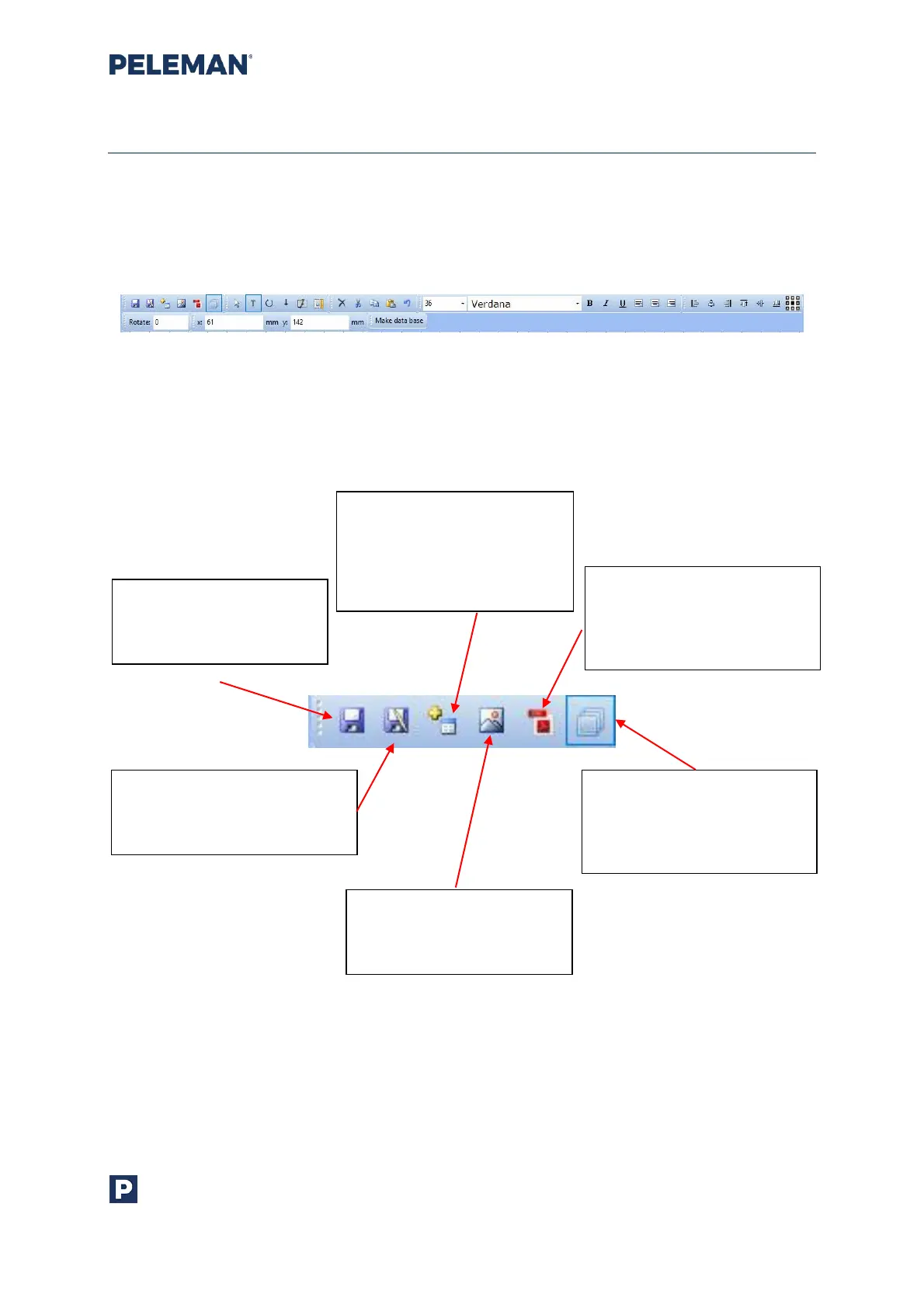
The design toolbar, shown in figure 21, can be seen at the top of the design tab sub-
window. It offers various functionalities for different purposes. The toolbar groups can be
reorganised and relocated into different lines to suit the user’s needs.
Figure 21: Design Toolbar
The following is a brief description of the toolbar options:
Group 1: Functions
Figure 22: Design Toolbar Group 1 - Functions
Save Design: Save
changes / modifications
for the design
Add Print Area: Add a new
print area to the selected
location (print area = zone
with objects to print)
Import PDF: Import PDF
page from the file system
to add it to the design as
an image object
Save As Design: Save the
changed / modified design
under a new name
Import Image: Import
images from file system
to the design
Show / Hide Layer Window:
Show or hide layer window.
By default, the layer
window is shown



 To Next Page