Flat Bed Foil Printer User Guide
Peleman Industries
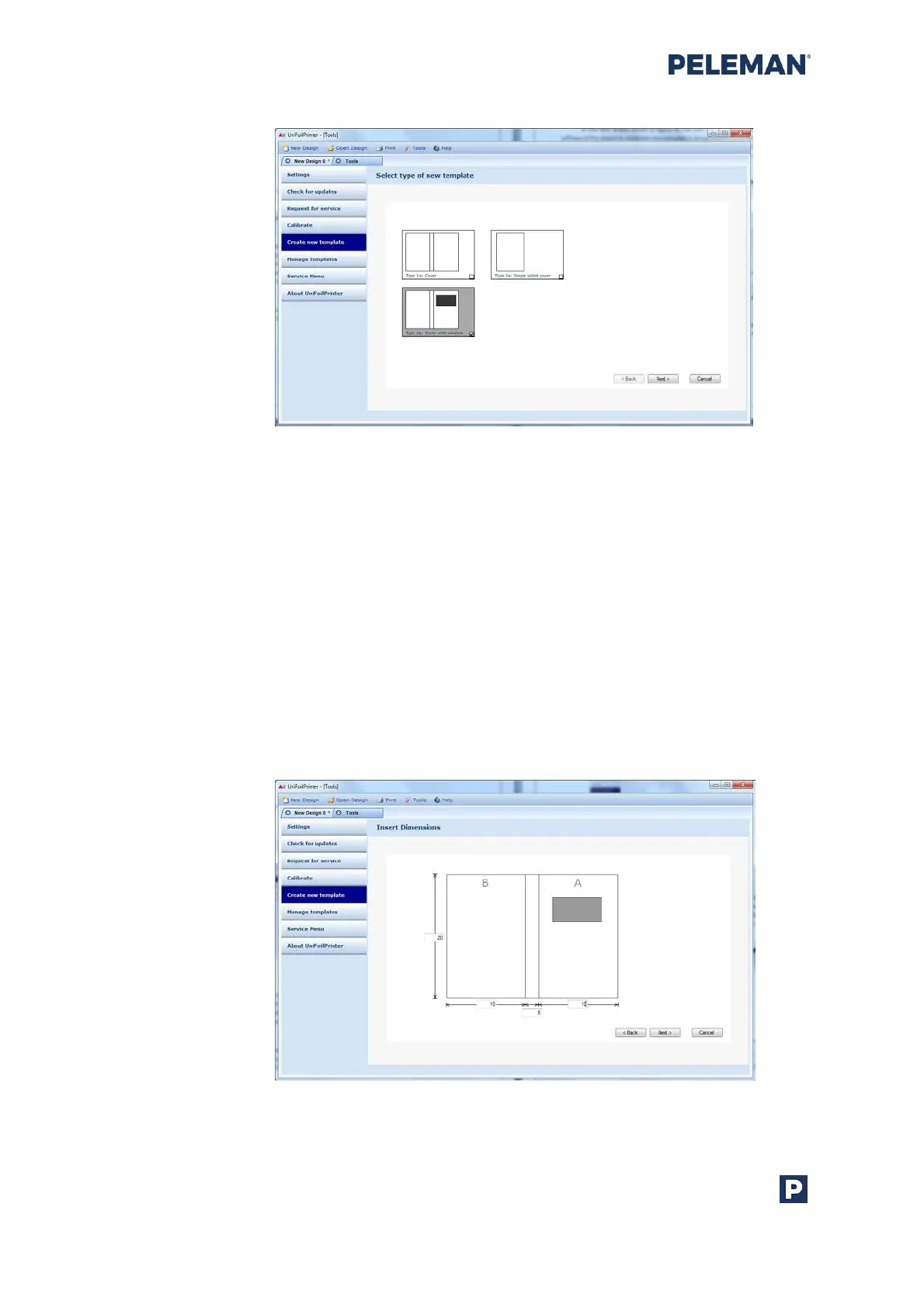
Figure 52: Screen for Selecting Type of New Template
Now, insert dimensions for the new template in appropriate fields shown in figure 53. The
values of the dimensions refer to the height, width, thickness etc. of the object to be used
with the new template. Dimensions are by default entered in mm or inches according to
the selection in settings described in section 5.8.1.
Enter the exact dimensions of the print object. If the entered dimensions are not supported
by the Flat Bed Foil Printer, warning messages will appear. If the dimensions are correct,
the desired template might not be supported by the Flat Bed Foil Printer, either because
the dimensions are too large or too small. Appendix section 10.2 may be referred to for
further information regarding supported template dimensions.
If a typing error caused the warning message, the value can be corrected. After inputting all
values, click on the Next button to continue.
Figure 53: Screen for Inserting Dimensions of New Template



 To Next Page