Flat Bed Foil Printer User Guide
Peleman Industries
5.8.9 Help Button
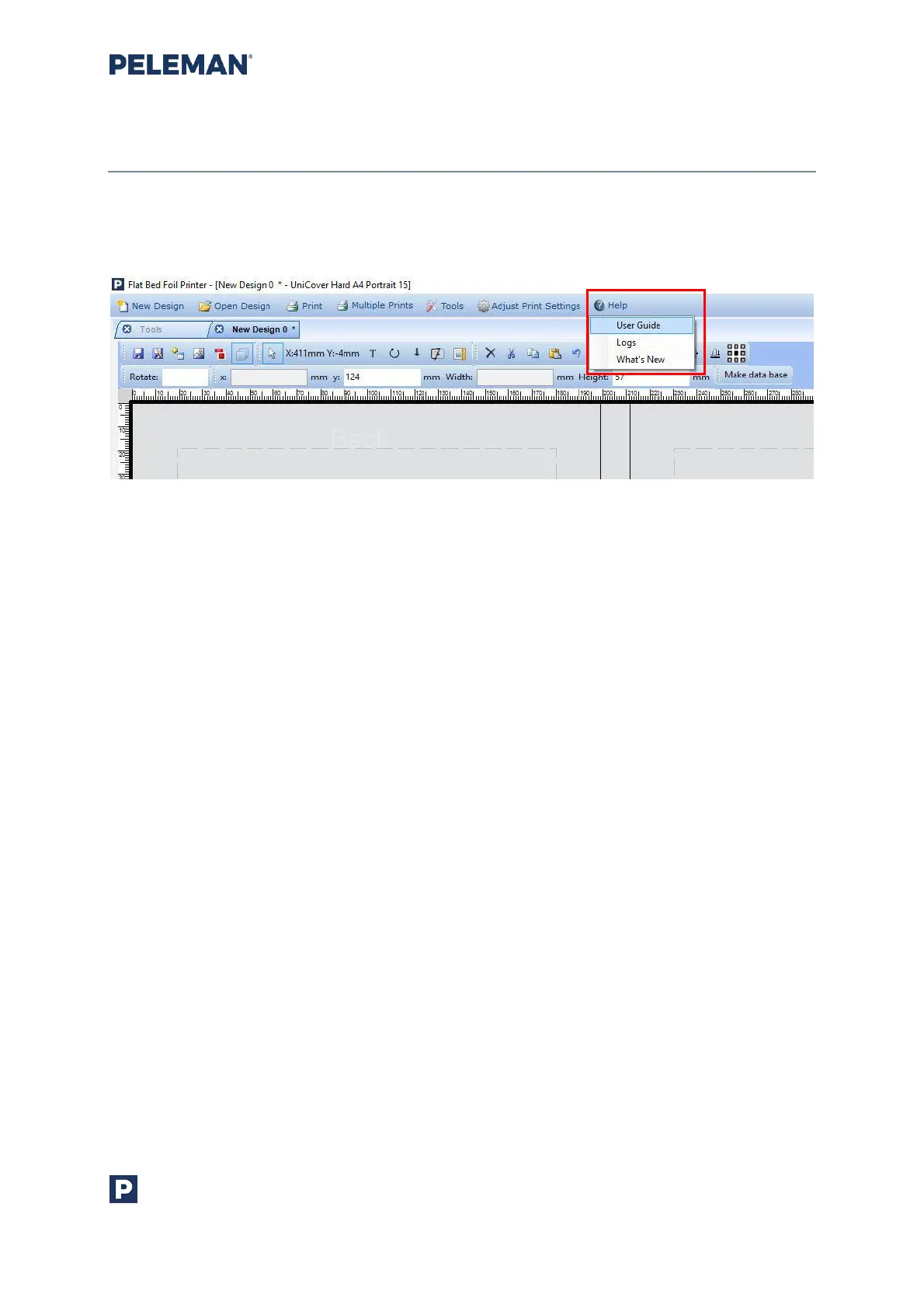
The help option opens a tab containing help information related to the software.
Figure 61: Built-In Software Help
In newer software versions three options are displayed:
• User Guide: by clicking on this option the user guide related to this software
version will be displayed. This is the first help manual that you’ll need in case
of questions. User guide contains basic information about the printer and
software. For more information, please contact our distributer in your
country.
• Logs: logs are automatically saved software commands between user,
software and firmware. You’ll need it in case of software bugs so our
developers can analyse the issue. Copy and send it in a text document when
requesting for service.
• What’s New: This option will open the pop-up window about what’s new in
this version of the software.



 To Next Page