Install Drivers for 9000 Boards
19
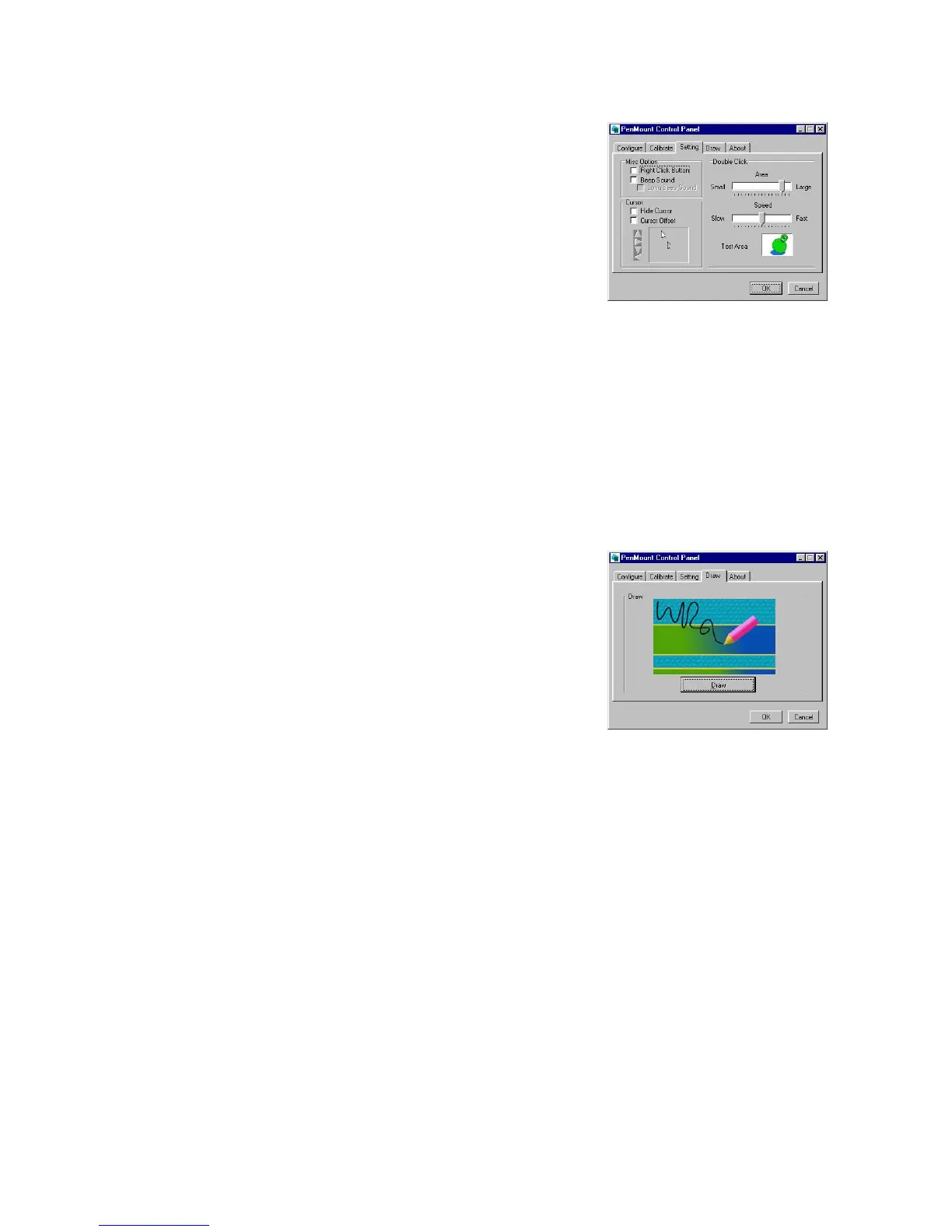
Setting
This item allows setting the
mouse and other interface
functions.
Misc. Option
Set the Right Click Button, Beep Sound and
Long Beep Sound.
Cursor
Set Hide Cursor or Cursor Offset. Use the arrow
keys to adjust cursor offset.
Double Click
Adjusts and tests double click area and speed.
Double click in the test area and the tumbler swings
back and forth.
Draw
Test or demonstrate PenMount
touch screen operation. The
display shows touch location. Click
Draw to start.
Touch the screen with your finger or a stylus and the drawing screen
registers touch activity such left, right, up, down, pen up, and pen
down.



 To Next Page