Install Drivers for 9000 Boards
26
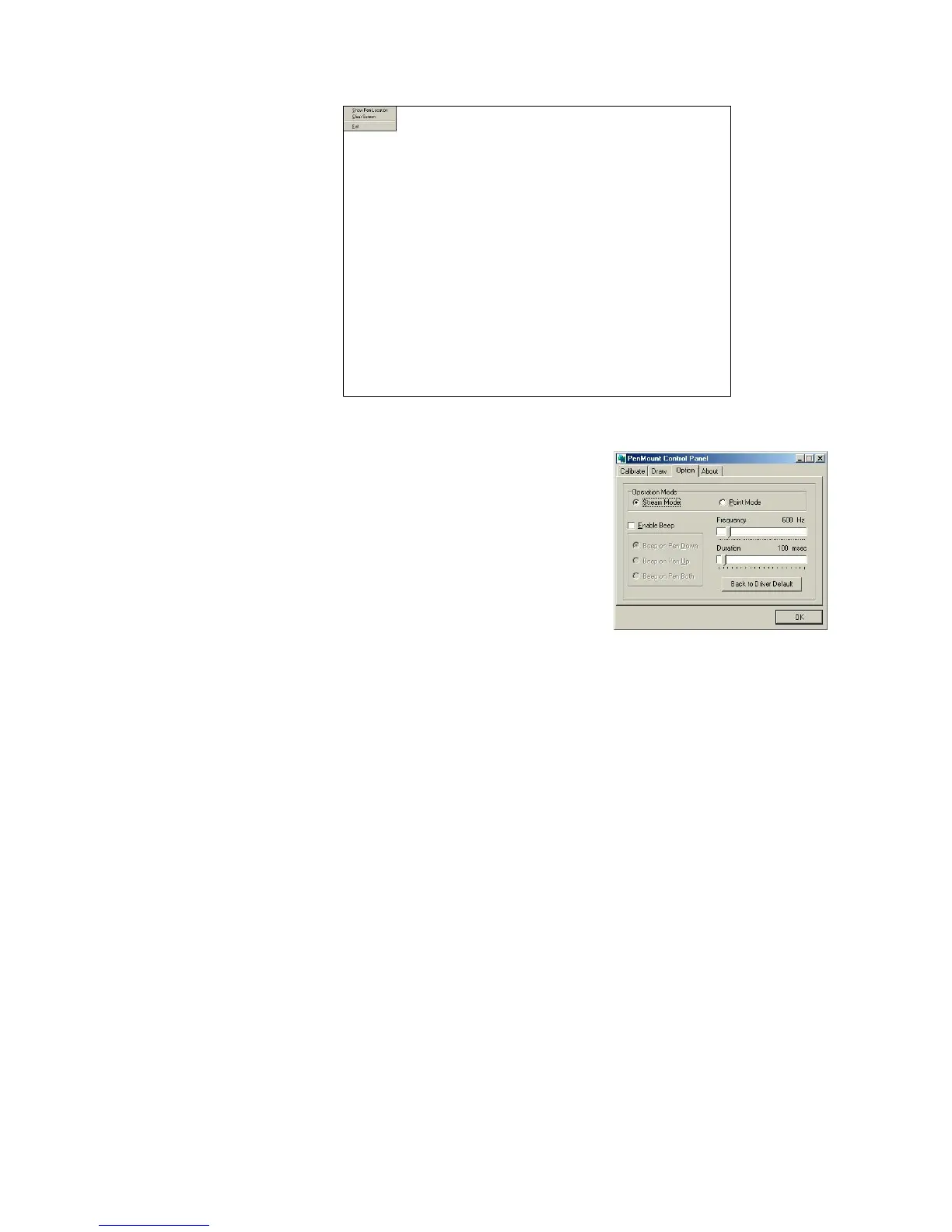
Option
This panel function supports two
modes - Operation Mode and
Beep Sound Mode – which allows
configuration for specific touch
screen applications, such as
point-of-sales (POS) terminals.
Operation Mode
This mode enables and disables the mouse’s
ability to drag on-screen icons—useful for
configuring POS terminals.
Stream Mode – Select this mode and the
mouse functions as normal and allows
dragging of icons.
Point Mode – Select this mode and the
mouse only provides a click function, and
dragging is disabled.
Beep Sound Mode
Enable Beep Sound – turns beep function on
and off
Beep on Pen Down – beep occurs when pen
comes down
Beep on Pen Up – beep occurs when pen is
lifted up
Beep on both of Pen Down/Up – beep
occurs on both
Beep Frequency – modifies sound frequency
Beep Duration – modifies sound duration



 To Next Page