Chapter 1 Product Overview
1-5
1.1.5 Carefree Pen
The user can change the picture card under the touch pad surface at any
time.
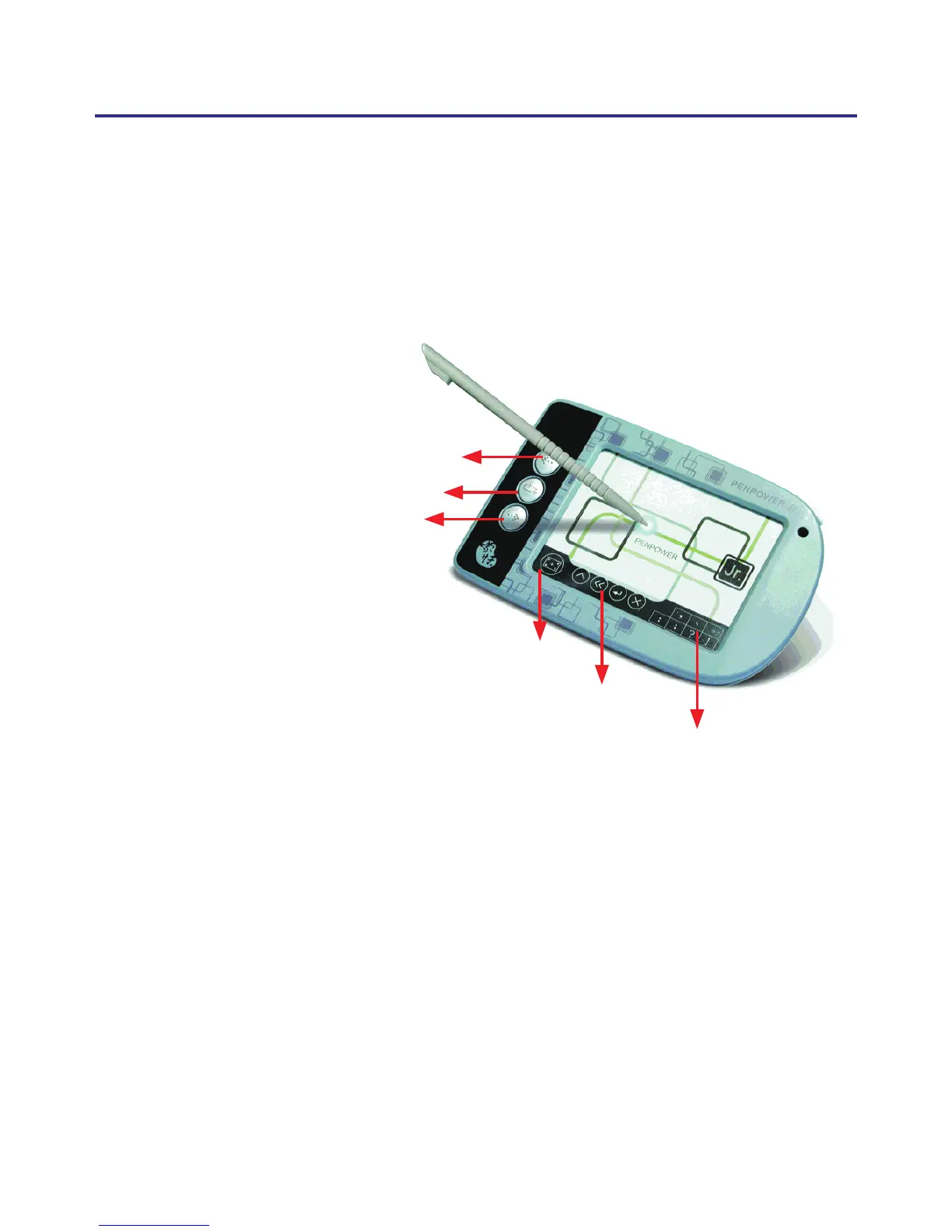
Active Pad Area: 3x2”
Mode Switching Button:
Under new handwriting/mouse mode clicking on this button switches
between the handwriting and mouse mode; in traditional mode, clicking
on this button switches between full-screen and writing pad handwriting
modes.
Shortcut Buttons:
From left to right, these are used for Insert Space, Delete Previous Char-
acter, New Line and Delete Next Character.
Frequently Used Symbols
Left mouse button
Right mouse button
Handwriting/Mouse mode button
Mode Switching Button
Shortcut Buttons



 To Next Page