Chapter 5 Traditional Mode
5-3
You need to click the middle button or click on the writing area
switching into pen mode before you start writing. The color of writing area
will change from gray into yellow.
The left button would be revised for error correction on pen mode.
While you press the left button once each time, the latest recognized result
would be replaced with the next candidate word. It lets you correct the
result quickly without switching to mouse mode.
Click the middle button or click on the writing area again to switch into
mouse mode. The color of writing area will change from yellow into gray.
TIP : The writing-pad adopts shrink-expand user interface. It would expand into
normal size when the cursor move on it. Otherwise it will shrink as an small
icon to avoid occupying the screen.
5.4 Writing-Pad
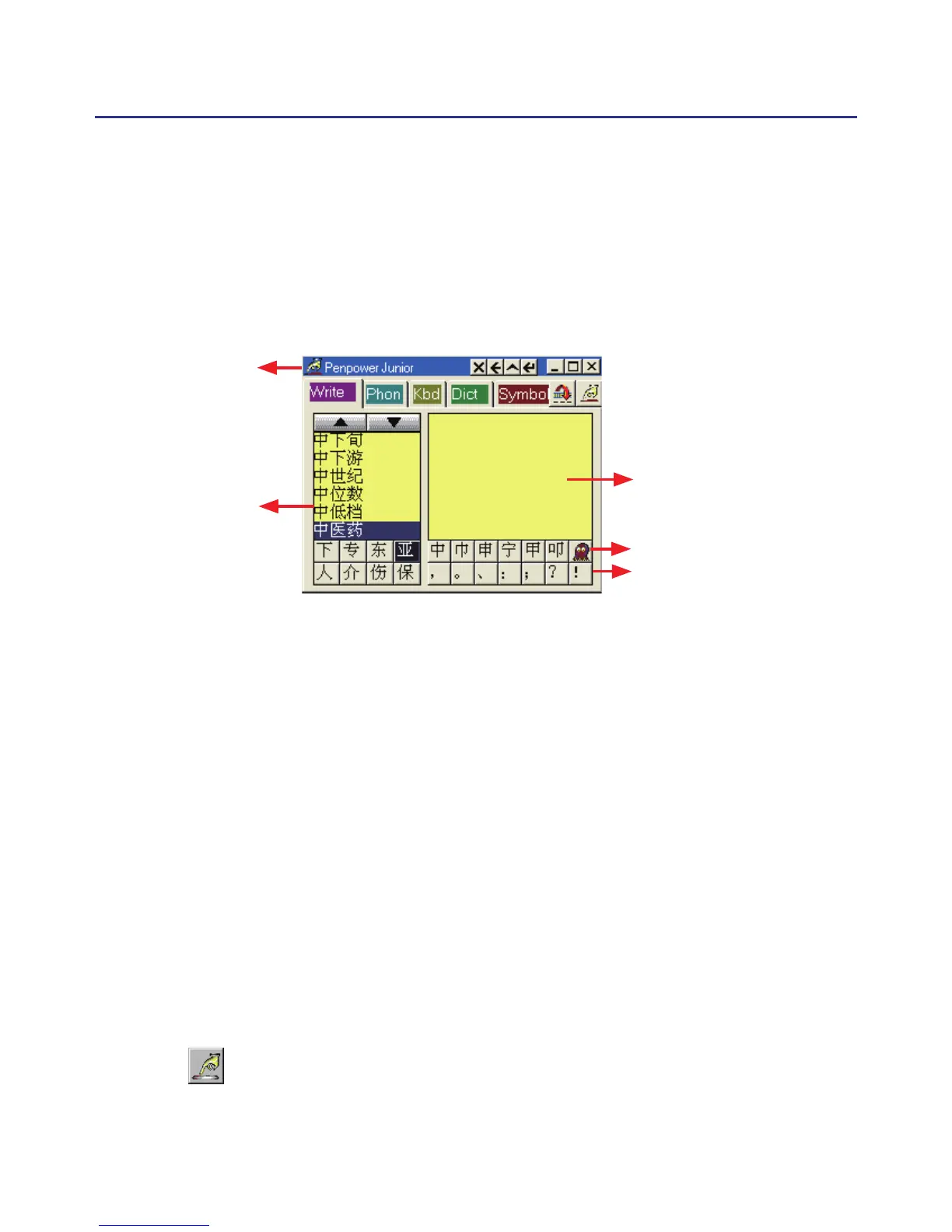
There are ve input tools in Writing-Pad: Write, Phonetic, Keyboard,
Dictionary and Symbol.
5.4.1 Write Input Tool
Writing Area
Symbol
Candidate
Related Phrase
Title bar



 To Next Page