4-18
4.8 Learning String
A string is represented by an inking of symbol. So, you can handwrite
the symbol anytime and the recognition engine will recognize it as the
expanded string. It prevents you from redundant writing.
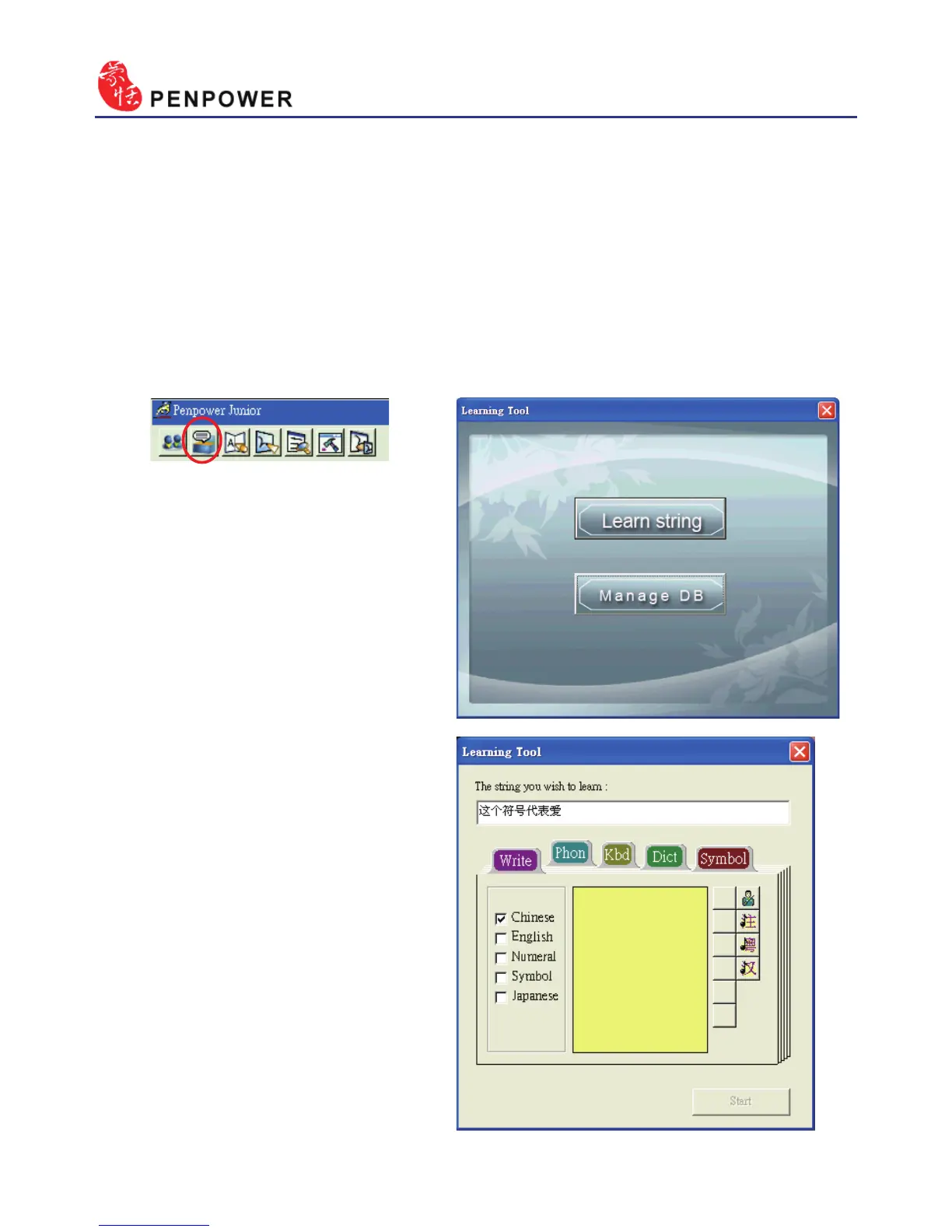
1. In Mouse mode, press the “Learning Tool” button to open the Learning
Too Window. Select “Learn String” to open the “Learning Tool” screen.
2. Input the string you want to
learn, then click on “Start”.



 To Next Page