4-24
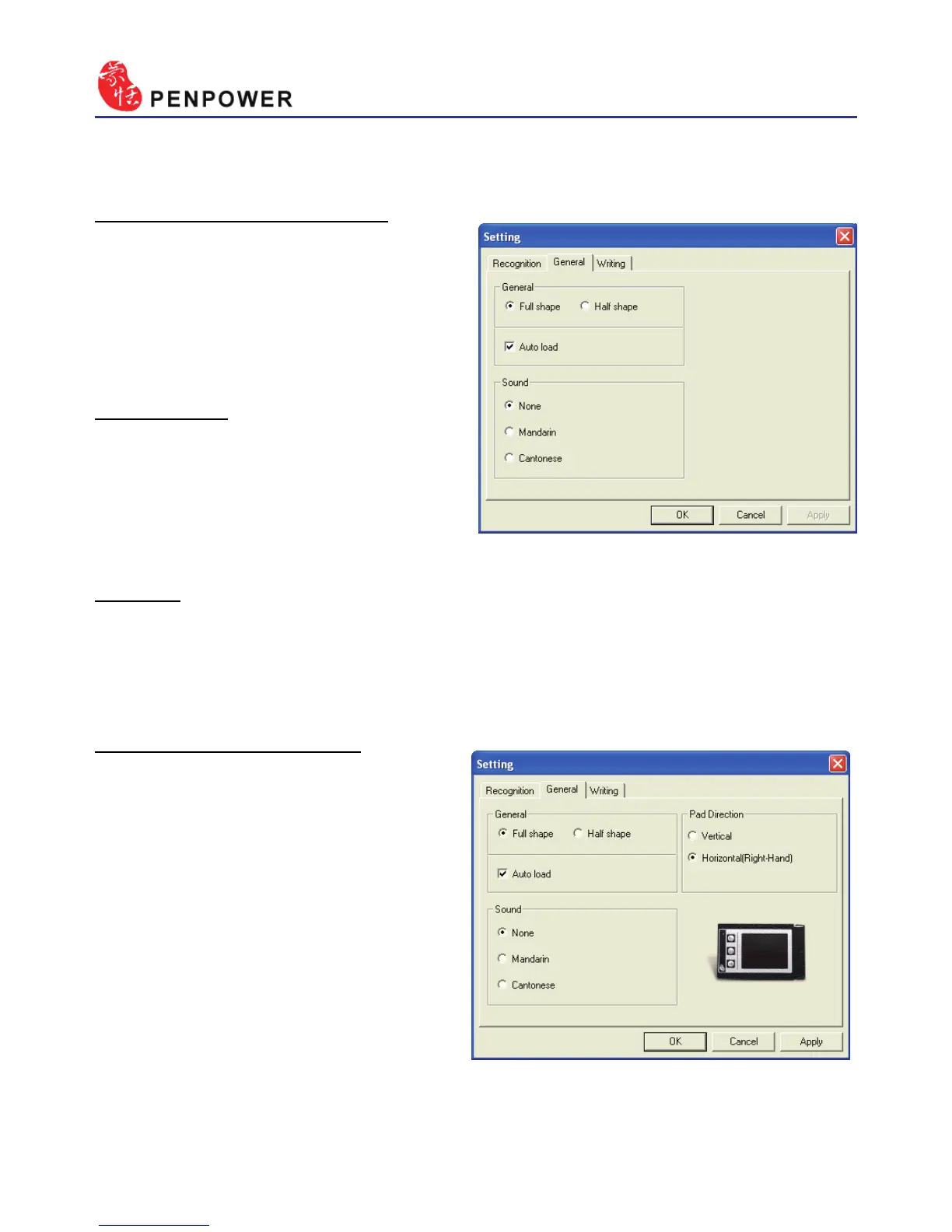
4.12.2 General Setting
Half shape/Full shape :
To decide whether the hand-
writing result of alphanumeric is
recognized as one-byte ASCII code
or double-bytes code.
Auto load:
Auto execute Penpower Jr.
handwriting system when windows
start-up.
Sound:
Pronounce the character in Mandarin or Cantonese immediately after
recognition.
Touch Pad Direction:
If you are using Penpower
Junior miniCard, you can use this
feature to set the orientation of the
touch pad as Horizontal or Vertical.
By default the touch pad is set to
Horizontal (Right-Hand) but you
can use this setting to change it to
portrait.



 To Next Page