4-2
4.2 Switching Modes
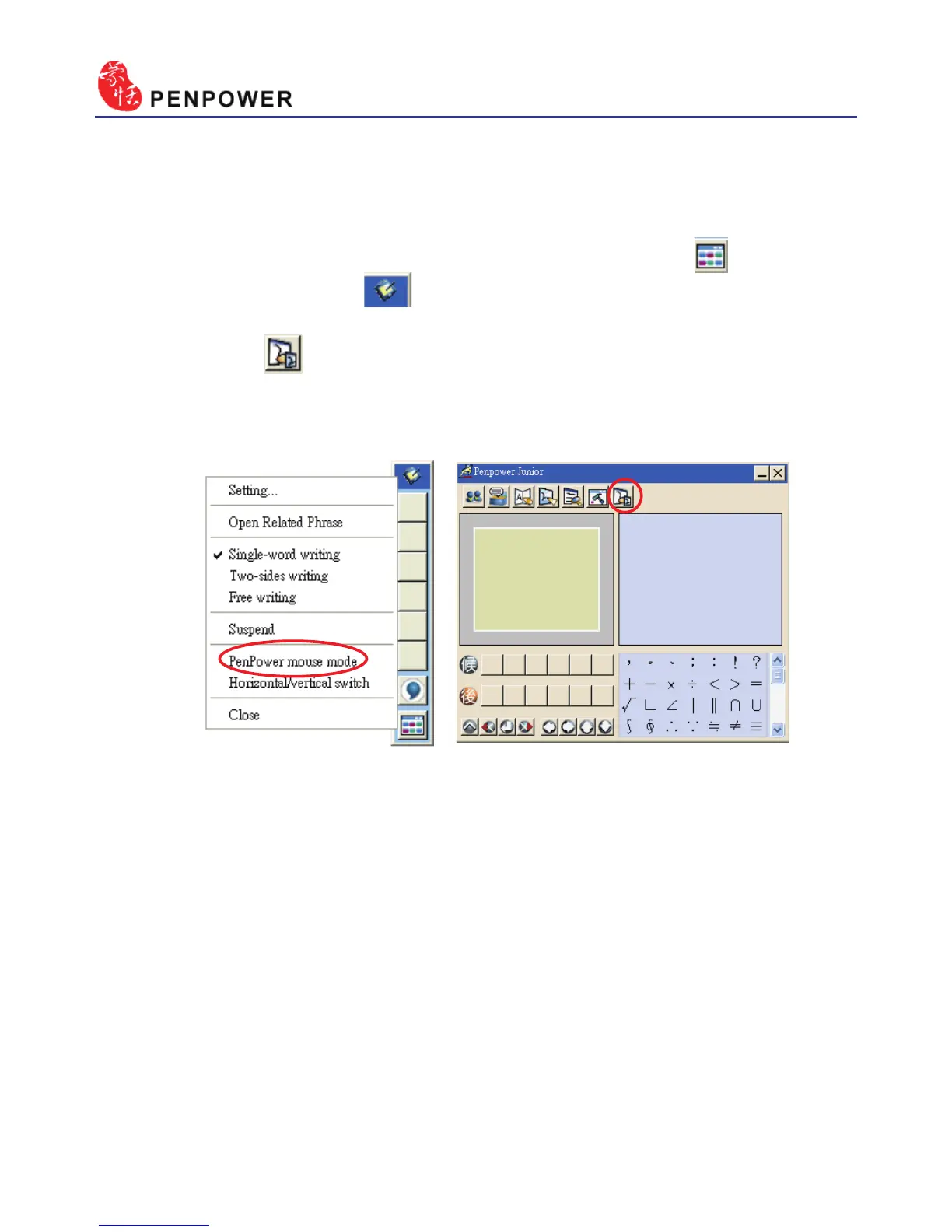
When Penpower Junior is launched for the rst time it will start in the
handwriting mode. Left mouse click on the “Menu” button or right
mouse click on the toolbar to open the options menu. Select “Penpower
mouse mode” to switch to the mouse mode. In mouse mode, click on the
“Switch” button to switch back to the handwriting mode.
TIP: The middle function button on the Penpower Junior touch pad allows fast
switching between the handwriting and mouse modes.
Handwriting mode Mouse mode



 To Next Page