Chapter 4 New Handwriting/Mouse Mode
4-21
4.11 Switch Version
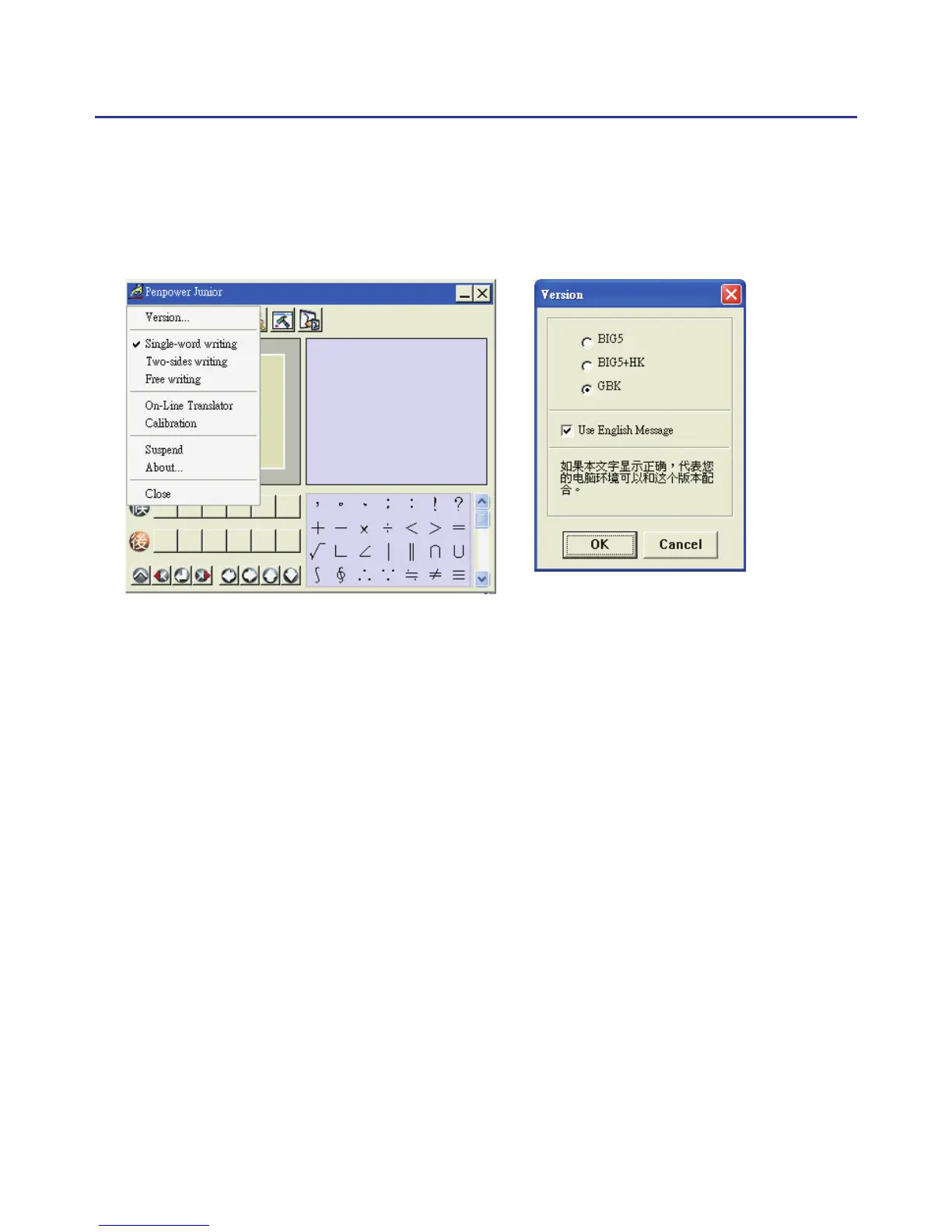
1. In Mouse mode, open the Penpower Junior options then select “Version
…”.
2. Under the Win2000/XP/Vista System for Traditional Chinese, Traditional
Chinese (Hong Kong) or Simplied Chinese the output of the handwrit-
ing recognition will always be encoded using Unicode. After switch-
ing version, if you can not see the message displayed correctly on the
bottom, it means that your Windows system may not support this version
you chose.
3. Check “Use English Message” option to display all the messages of
Penpower Jr. handwriting system in English.



 To Next Page