Chapter 6 Assistant Tools
6-3
5.You can click , and select “
開始/停止朗讀
” again to stop reading.
6.Click , select “
結束
” to exit the Penpower VoiceReader.
6.1.2 Reading Setting
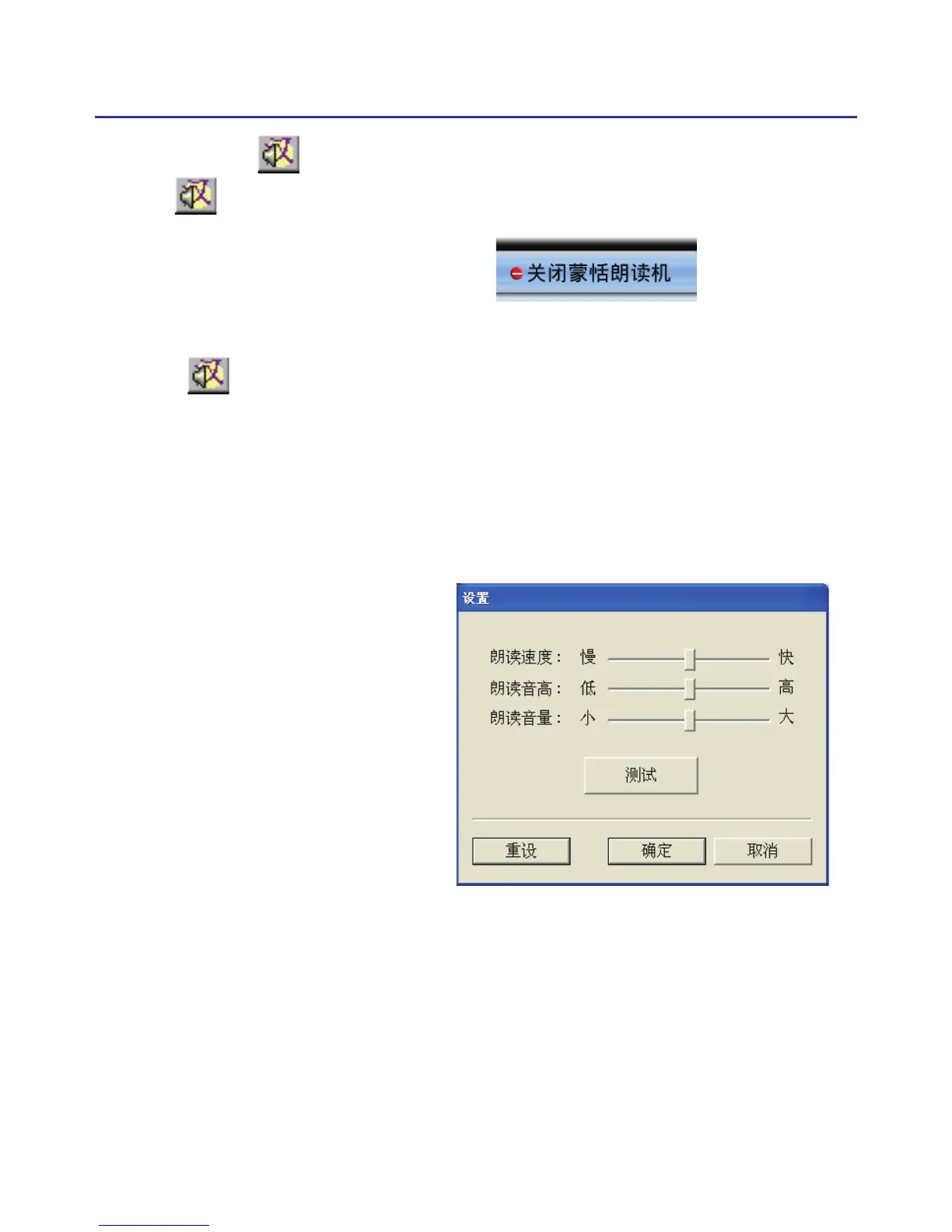
1. Click , select “
設置
” to open the setting dialog.
朗讀速度
: Adjust the speed of reading.
朗讀音高
: Adjust the tone of reading.
朗讀音量
: Adjust the volume of reading.



 To Next Page