6-6
6.2.3 English Chinese Article Translator
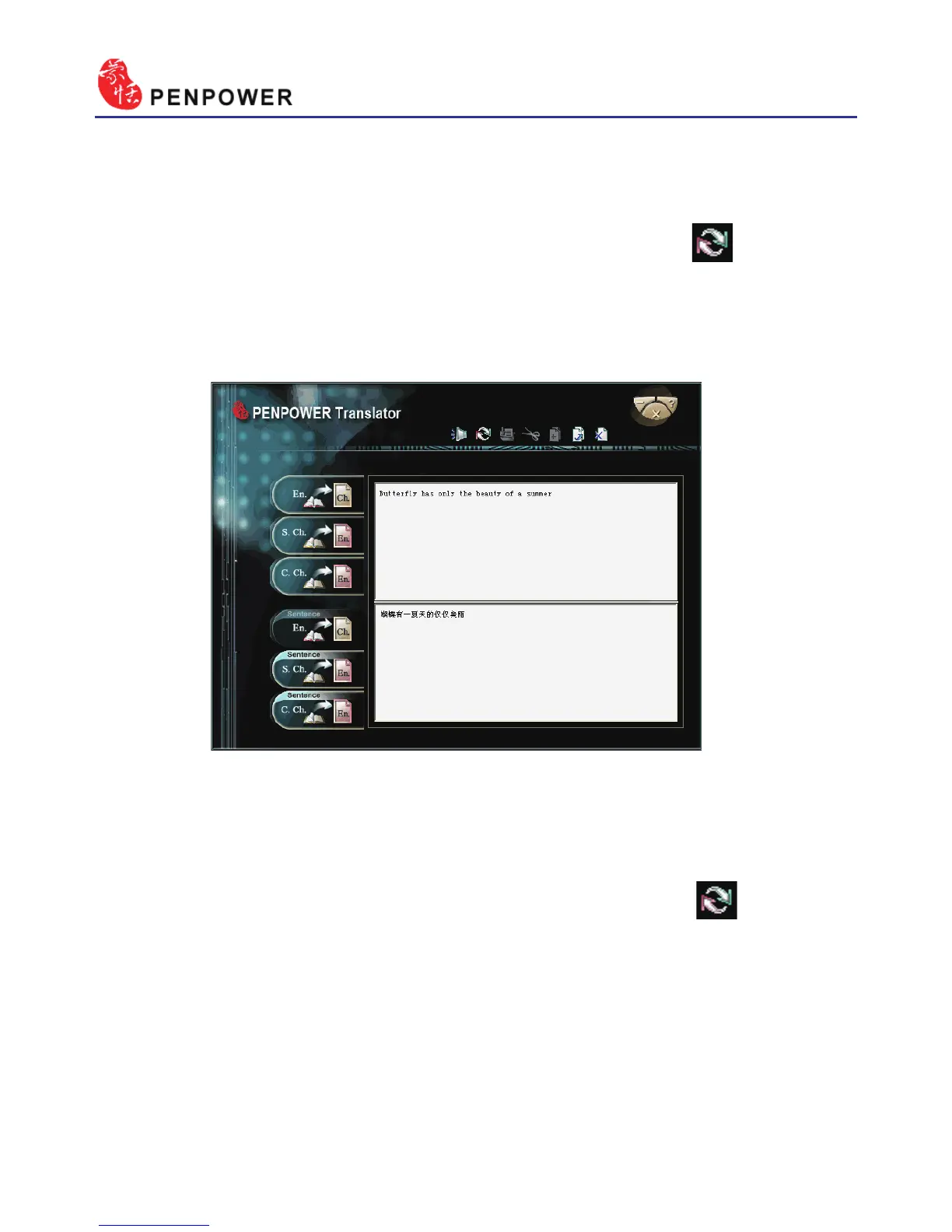
1. Click the button “Sentence En. Ch.” translation on the left.
2. In the top input frame, input an English article, click the button to
start translation. The translation result is shown in the lower input frame.
Tip: When you translate a whole article, make sure there’s a period mark at the
end of each sentence. It will increase the accuracy of translation.
6.2.4 Chinese English Article Translator
1. Click the button “Sentence S. Ch.En.” translation on the left.
2. In the top input frame, input an Chinese article, click the button to
start translation. The translation result is shown in the lower input frame.
Tip: If the Chinese sentence you wish to look up is Traditional Chinese, please
select the “ Sentence C. Ch. En.” translation option.



 To Next Page