Chapter 6 Assistant Tools
6-7
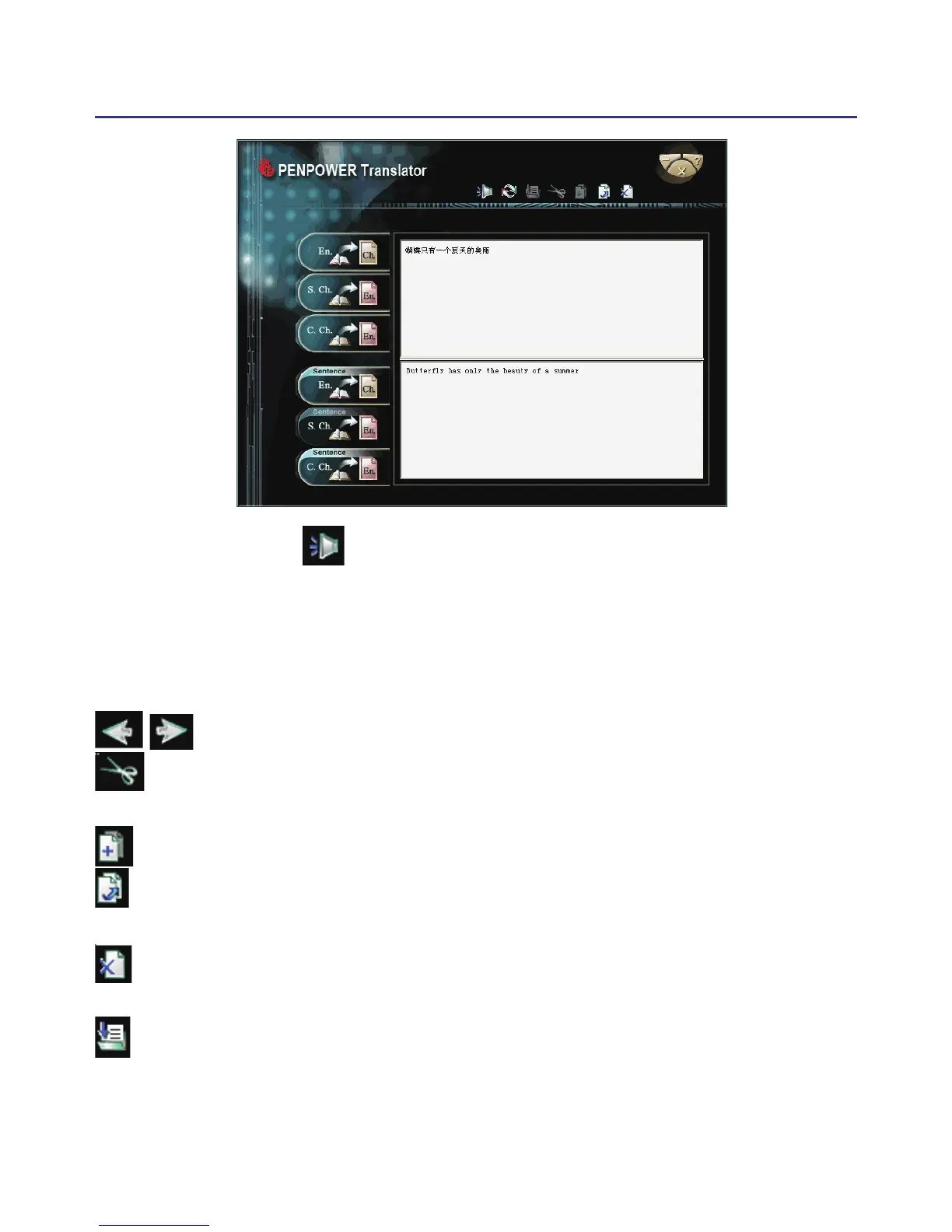
Press the Speech button. If looking up a single character or word,
the system will provide its Chinese or English pronunciation. If translating
the entire text, it will read all of the content in the current input window.
The other buttons on the translator interface have the following func-
tions:
/ : Previous/Next: look up the denitions for nearby words.
: Cut: cut the selected content. (Only available when translating an
entire sentence)
: Copy: copy the selected content.
: Paste: paste the cut or copied content. (Only available when translating
an entire sentence)
: Delete: delete all input and translation content. (Only available when
translating an entire sentence)
: Save: press this button to open the “Save as…” dialogue window. This
will save all of the input and translated content into a new *.txt format
le. (Only available when translating an entire sentence.)



 To Next Page