Chapter 4 New Handwriting/Mouse Mode
4-7
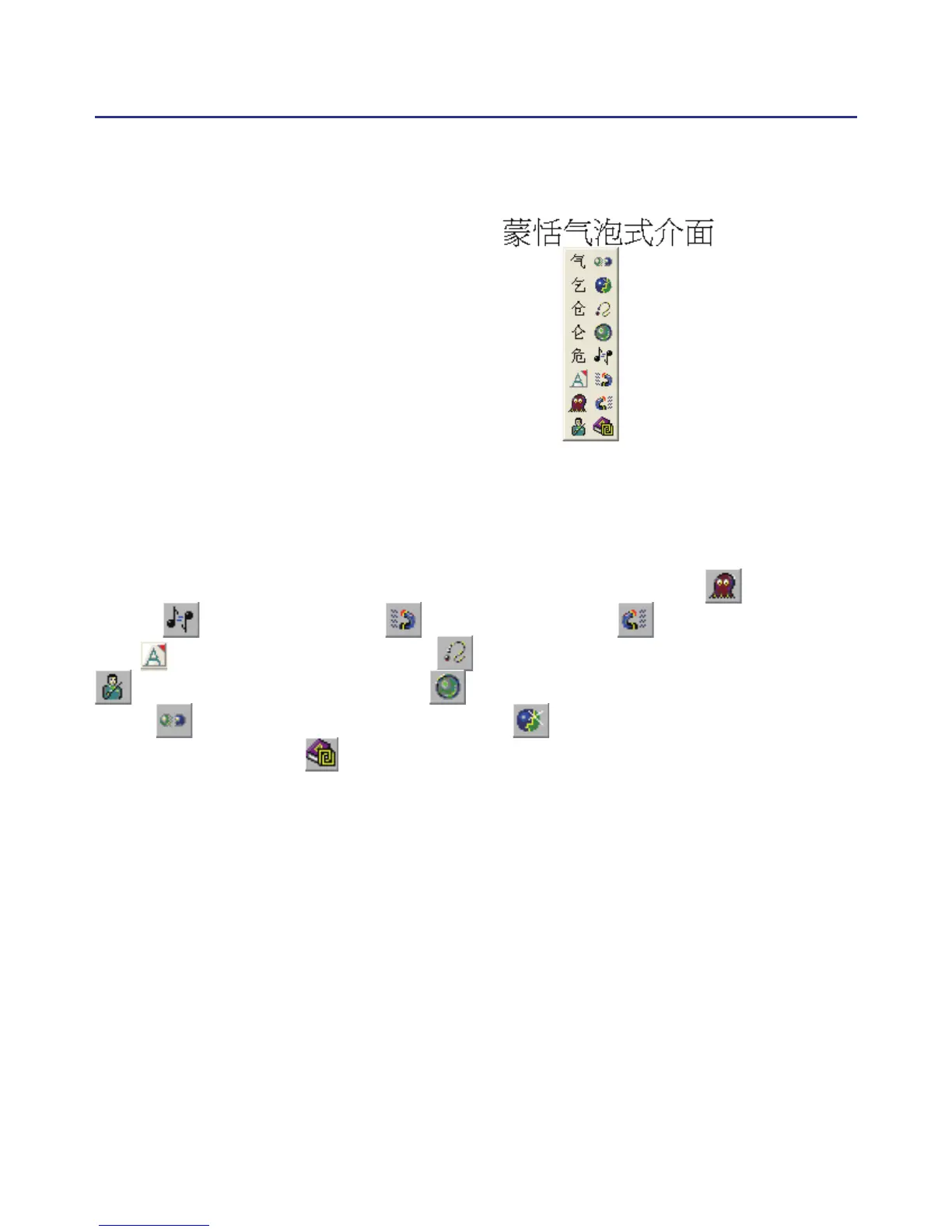
4.4 Balloon UI
This unique user interface let
you edit recognition result freely
in any application. The visual user
interface is hidden transparently.
When you want to correct some
word, just move the cursor posi-
tion on this word for a while. The
function tool bar will be popped up
there where the cursor is.
TIP : You do not need to press any button after the cursor is moved on the word.
In the function tool bar, click candidate words, AI button , homo-
phone , pre-related word , post-related word or phrase correc-
tion to correct the result. click button to see the raw inking. Click
button to see the tutor. Click button to input punctuation symbol.
Click button to split one word. Click button to merge the word
with next word. The button is for the Chinese-English translation func-
tion. Details are provided further on.
Note: In New Handwriting/Mouse mode the balloon interface functions can only
be operated with the computer mouse.
Note: Balloon Interface can be used in Ofce, IE, WordPad, but on 64 bit systerm,
it can not be used in some software, ext. note.



 To Next Page