Chapter 7 Fast User Switching
7-1
Chapter 7 Fast User Switching
Penpower Jr. supports Fast User Switching capability when you have
more than one user account in Windows XP/Vista. That allow all the users
can use Penpower Jr. without reinstalling in each account.
Settings
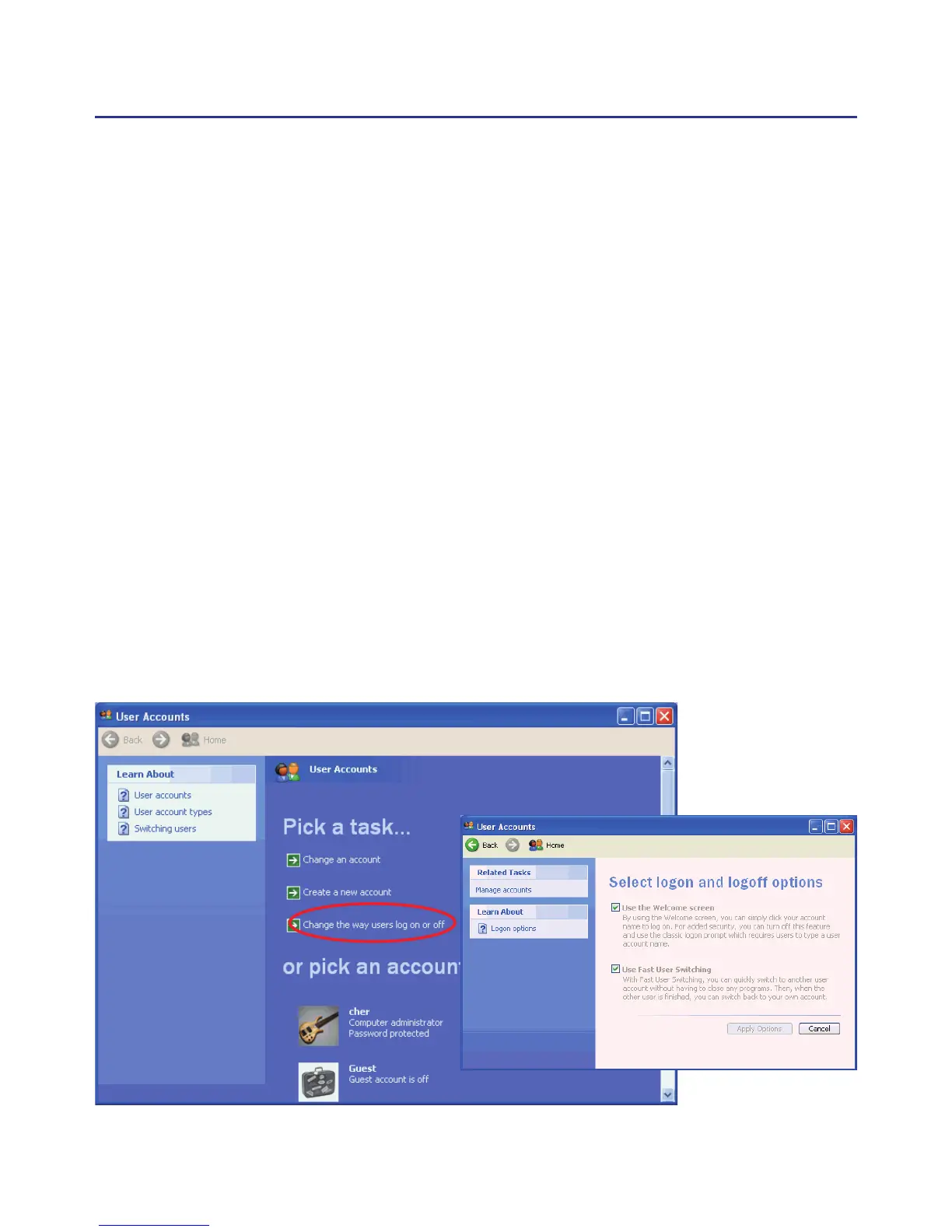
Open user account manager page from “Start/ Settings/Control Panel/
User Accounts”. Click on “Change the way users log on or off” to open the
“Select logon and logoff options” page.
Please select “User the Welcome screen” and “Use Fast User Switch-
ing” options, then click “Apply Options”.
Whatever account is used to login the functions of Penpower Jr. would
work.



 To Next Page