4-30
4.15 Using Penpower Jr. in MSN Messenger
Note: You have to install MSN Messenger version 6.1 or higher.
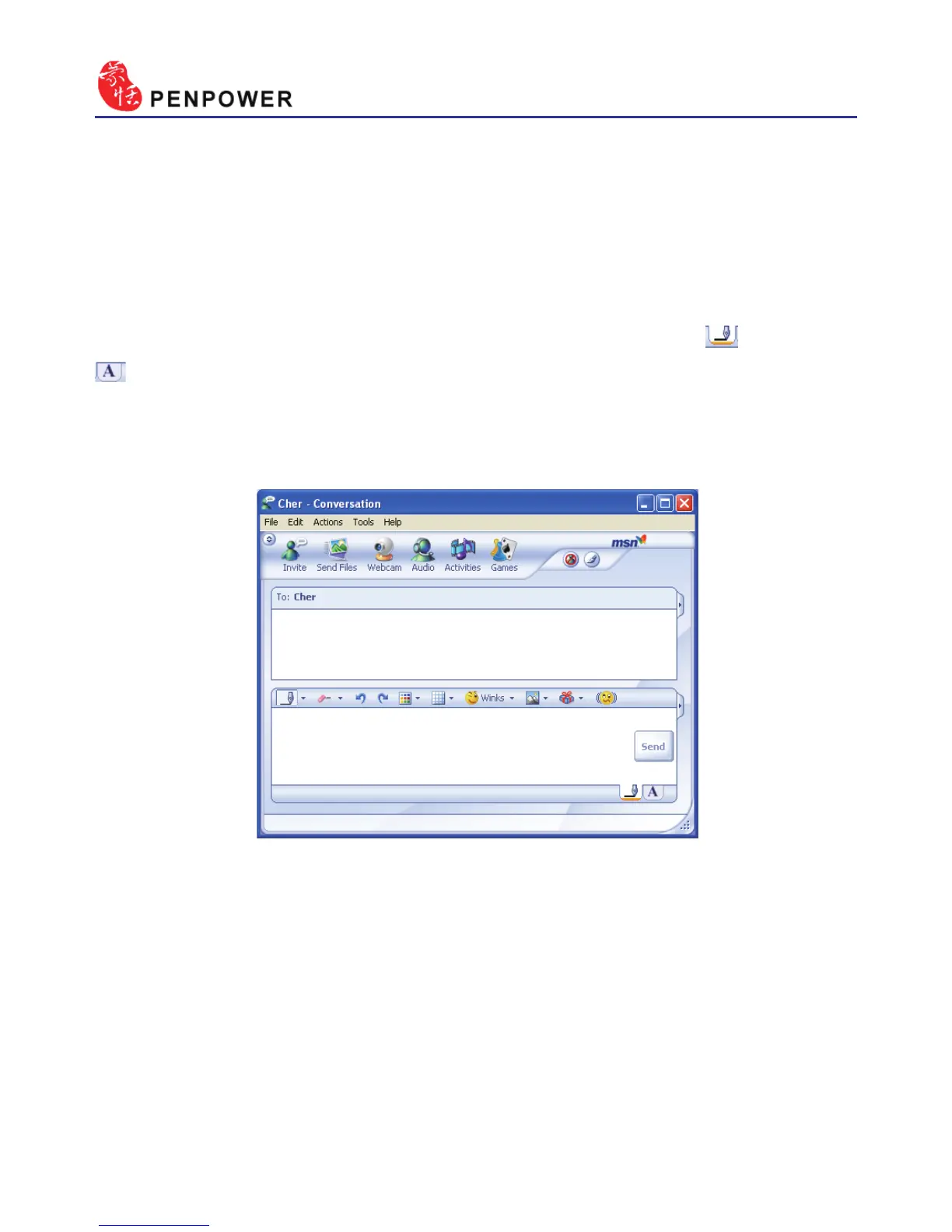
After you have signed in to the MSN Messenger, double click on the
person’s name to begin the conversation box. Below this conversation box,
there are two modes for you to select, including “Handwrite” and “Type”
. You can switch between the input modes as you like.
Note: If you can’t activate the handwriting mode, please visit the Microsoft website
and install the necessary handwriting components.
In the Handwrite mode, you can select the font size and font color from
the scroll bar menu provided. After the setting has been done, you can write
on the tablet and the words will appear as what you have previously set.
If you want to clear the words you have written, you can select and use
the eraser shown in the scroll bar.
After you have input your message, you can click on “send” to send
your handwritten message.



 To Next Page