Chapter 6 Assistant Tools
6-5
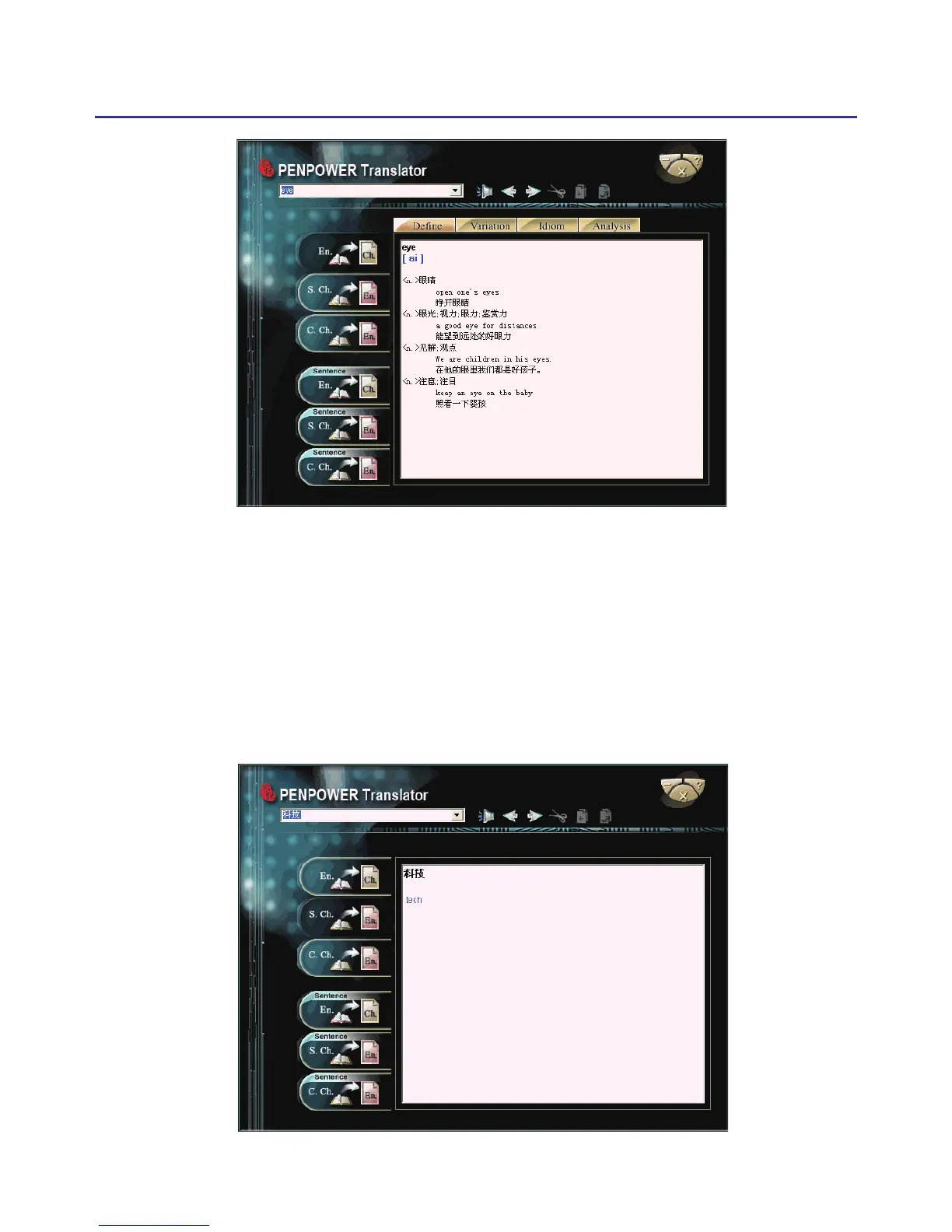
6.2.2 Chinese Characters
1. Click the button “S.Ch. En.” on the left.
2. In the input frame on the upper left corner, input a Chinese character or
phrase, and then hit Enter to see the English explanation.
Tip: If the Chinese word you wish to look up is Traditional Chinese, please
select the “ C. Ch. En.” translation option.



 To Next Page