4-26
4.13 Signature
1. Move the caret to where the signature will be.
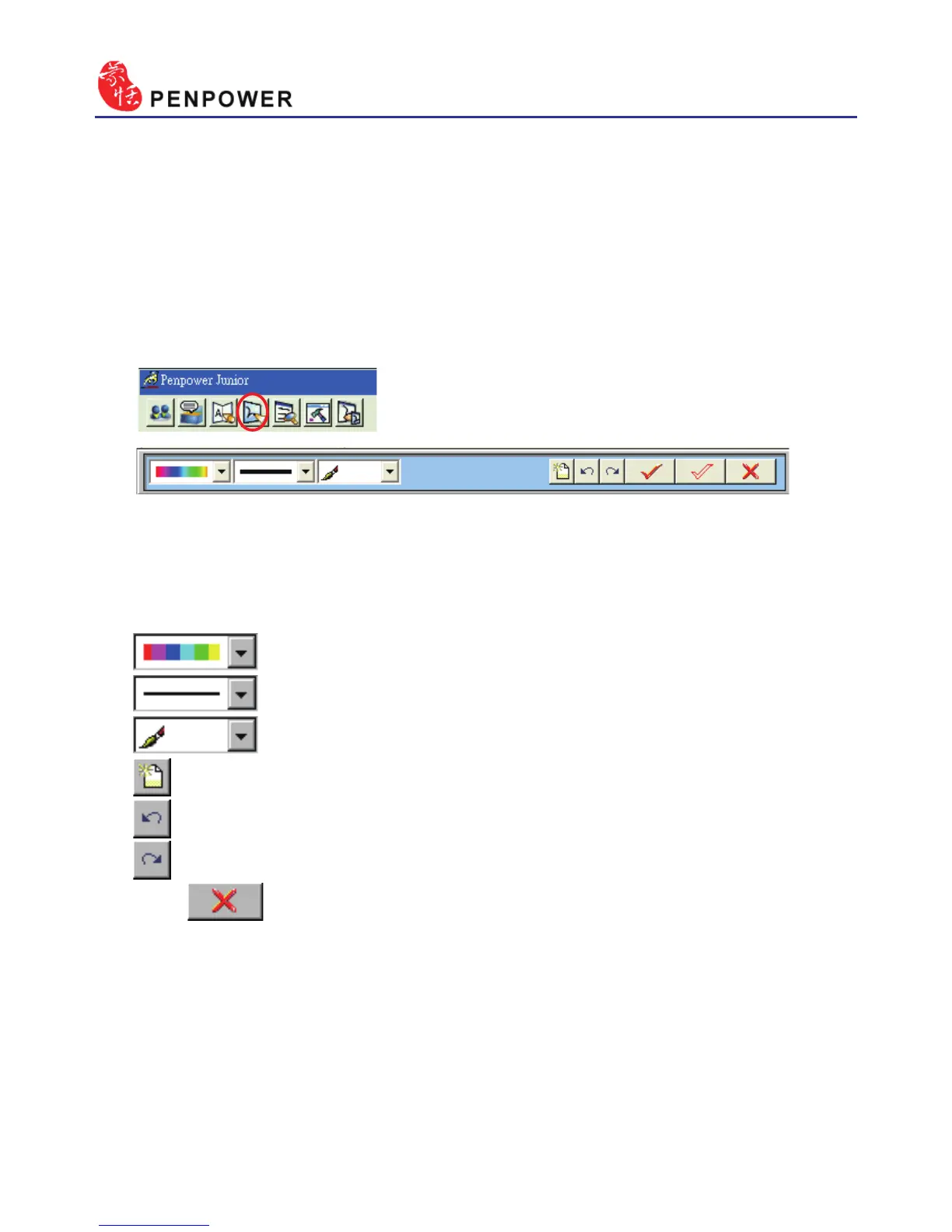
2. Open the Mouse mode and press the “Signature” button. The “Welcome
to Penpower Signature Tool” screen will be shown and you are now in
the signature mode.
3. In signature mode, the right button is dened to toggle pen mode and
mouse mode. You must switch to pen mode before start to sign your
signature. The left button is dened to change color.
: Change the color of inking.
: Change the thickness of inking.
: There three kind of pen style to change.
: Clear all.
: Undo one stroke.
: redo one stroke.
4. Click button to cancel signature.



 To Next Page