Chapter 6 Assistant Tools
6-11
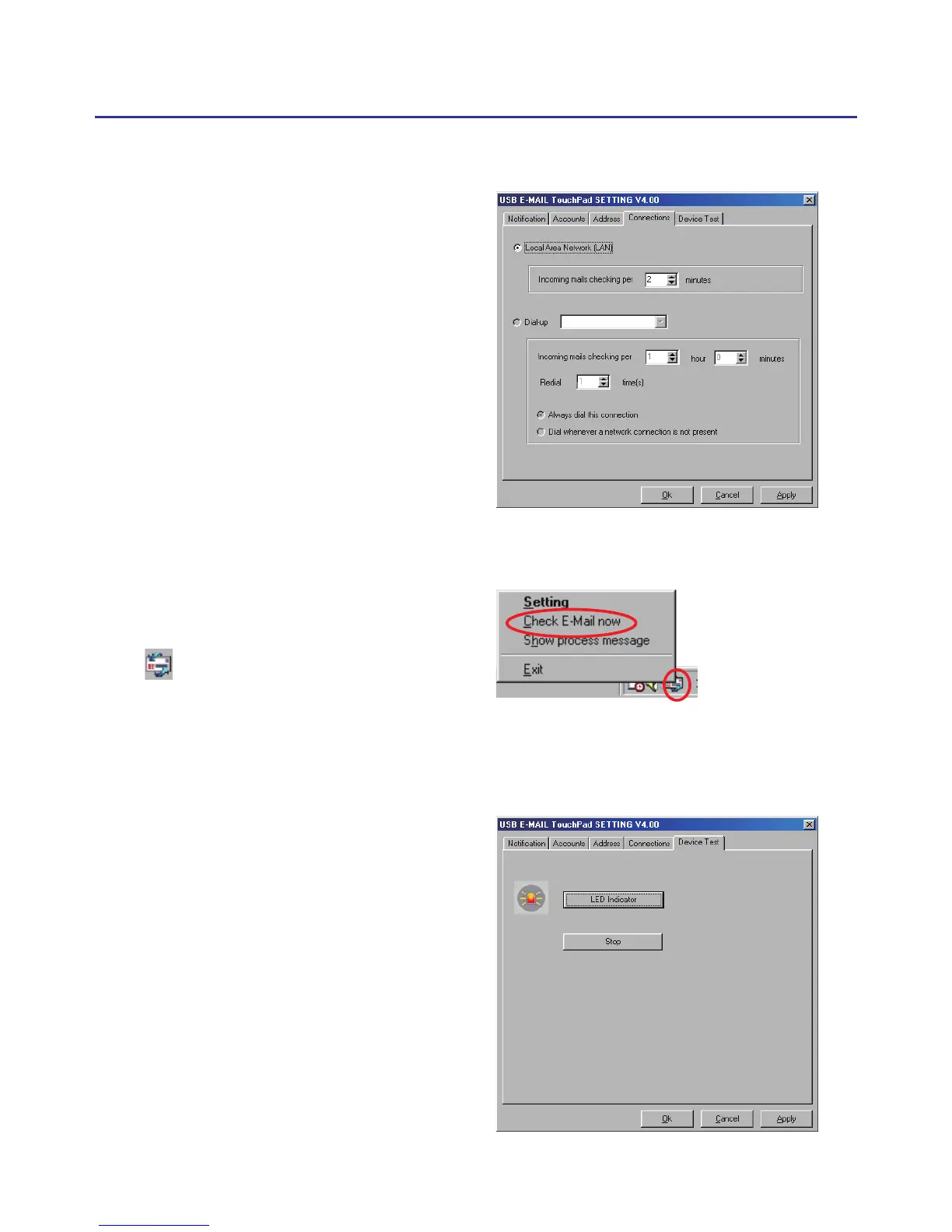
6.3.4 Connection
You can choose to check email
through local area network (LAN)
or dial-up internet. You can also set
the period time to check email. If
your system is ofine, after dial-up
and check email, it will be discon-
nected automatically.
6.3.5 Check email manually
If you want to check email
manually, right-click the email
icon to open the menu, and then
select “Check Email now”.
6.3.6 Device Test
You can click “LED Indicator”
button to test if the LED of touch-
pad is normal.



 To Next Page