Chapter 4 New Handwriting/Mouse Mode
4-3
4.3 New Handwriting/Mouse Mode
4.3.1 Handwriting Mode Taskbar
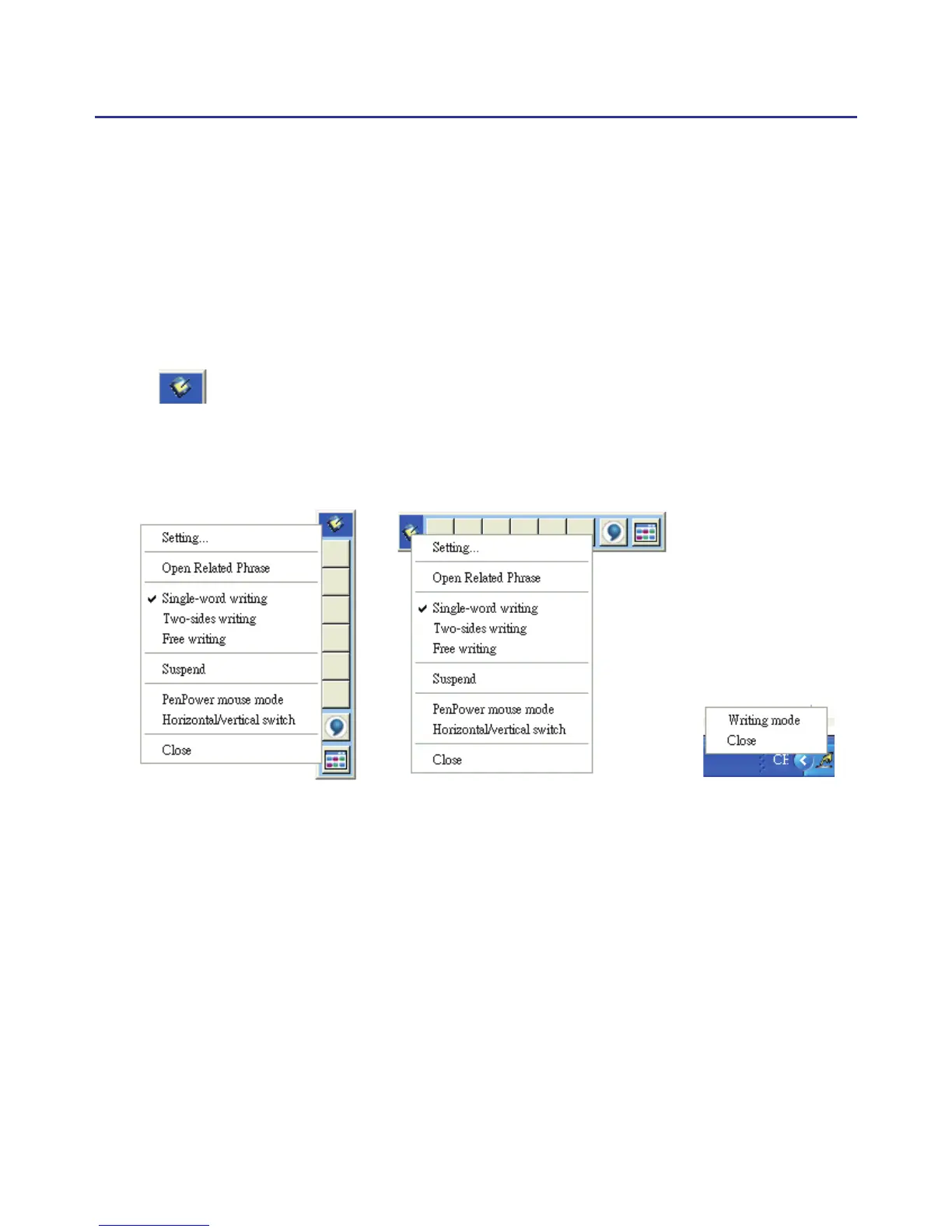
* Suspend: Temporarily close the toolbar. To reopen the toolbar go to the
Suspend and click on “Writing Mode”.
TIP: You can also minimize the handwriting mode toolbar by double clicking
.
* Horizontal/Vertical Swicth: Switch between a horizontal or vertica
layout of the toolbar.
Vertical Swicth Horizontal Swicth Suspend



 To Next Page