Chapter 5 Traditional Mode
5-1
Chapter 5 Traditional Mode
5.1 Run Penpower Jr. Handwriting System
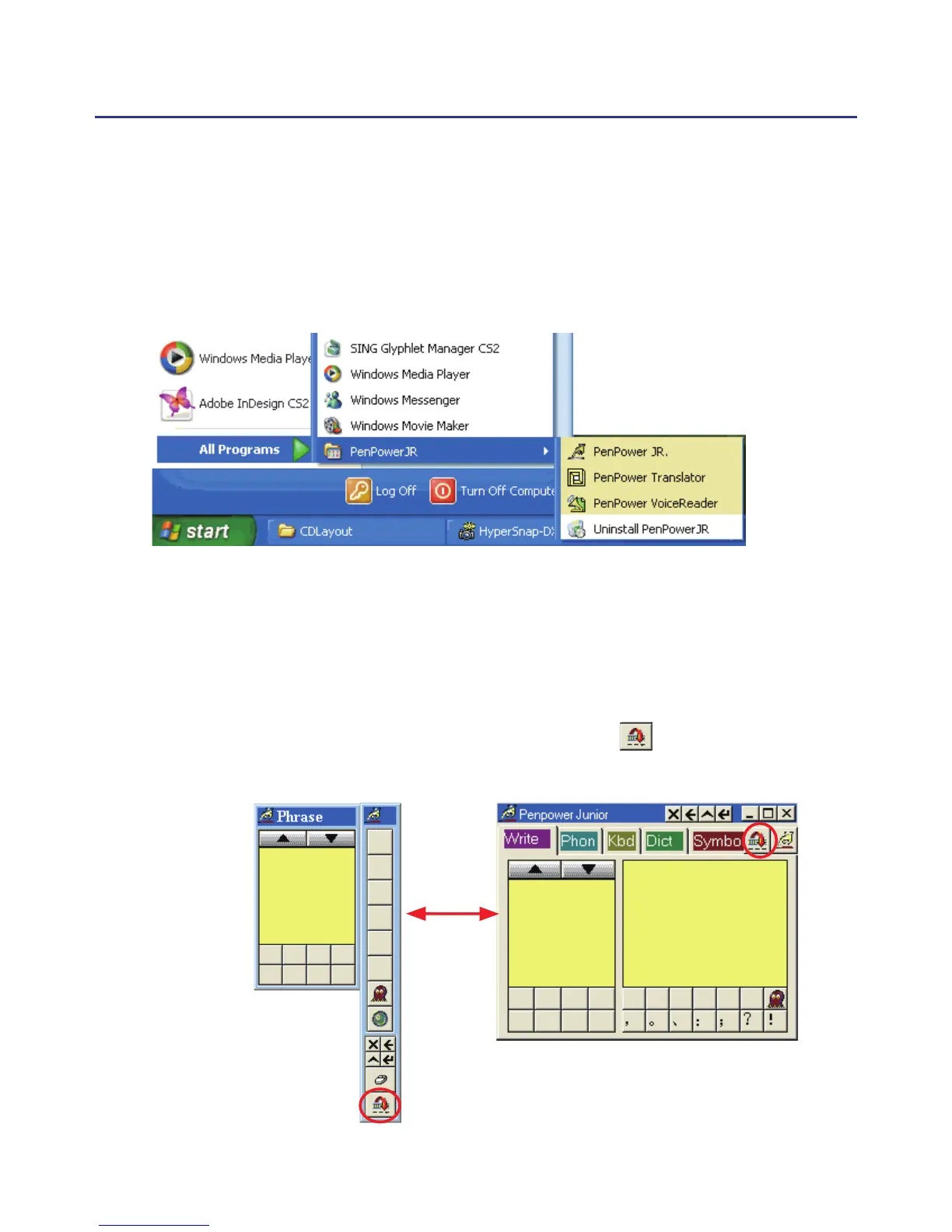
Run “Start/All Programs/Penpower Jr/Penpower Jr.”.
5.2 Writing Mode
There are two kind of writing modes. One is “Full-Screen” mode, the
other one is “Writing-Pad” mode. You can click the button to toggle
these two writing mode.



 To Next Page