5-2
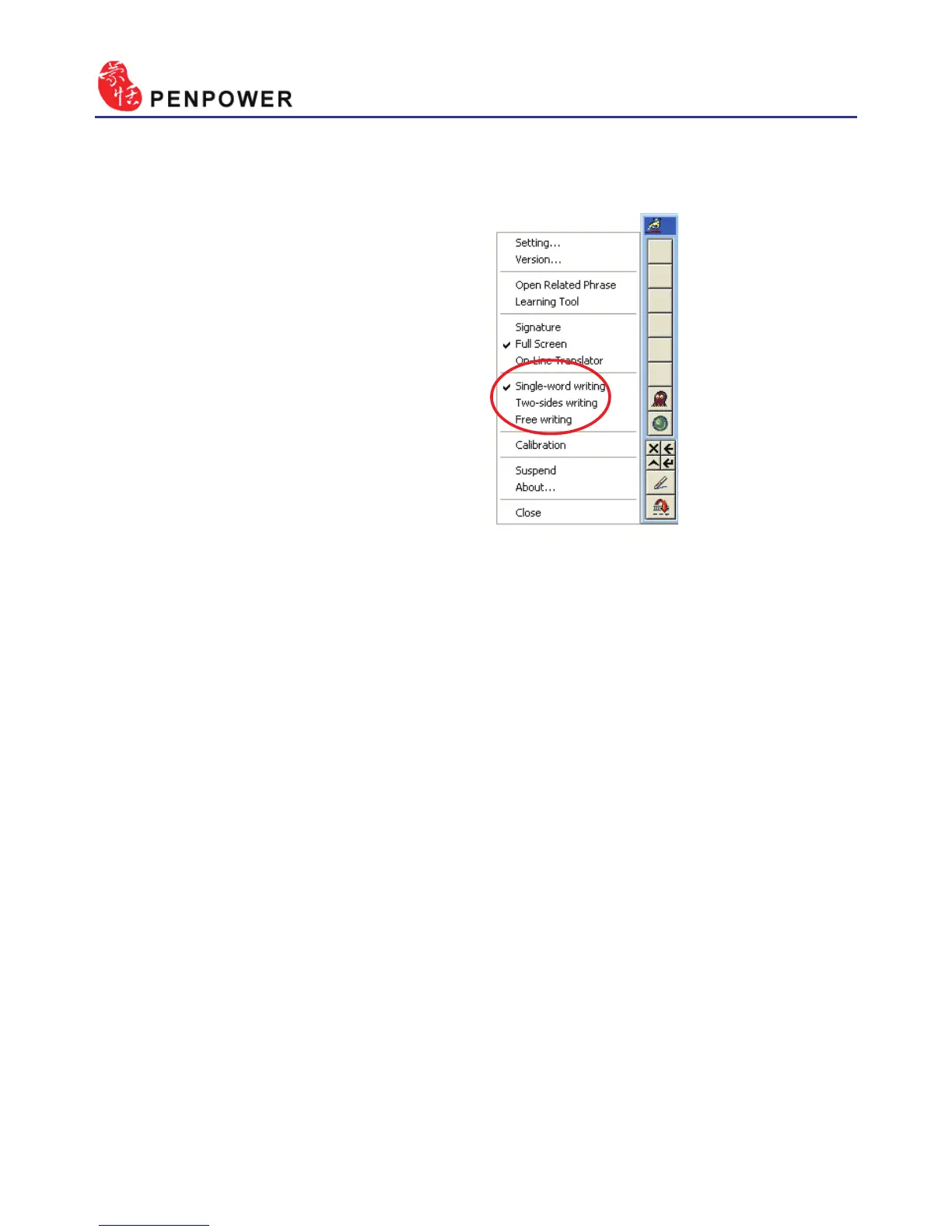
There are three different options
of full screen mode in the main
menu, Single-word writing, Two-
sides writing and Free writing.
Please see Chapter 4.3 for more
details.
5.3 Full Screen Handwriting
5.3.1 Balloon UI
This unique user interface let you edit recognition result freely in any
application. The visual user interface is hidden transparently.
When you want to correct some word, just move the cursor position on
this word for a while. The function tool bar will be popped up there where
the cursor is.
Please refer to Chapter 4.4-4.6 for more details.



 To Next Page