Chapter 4 New Handwriting/Mouse Mode
4-25
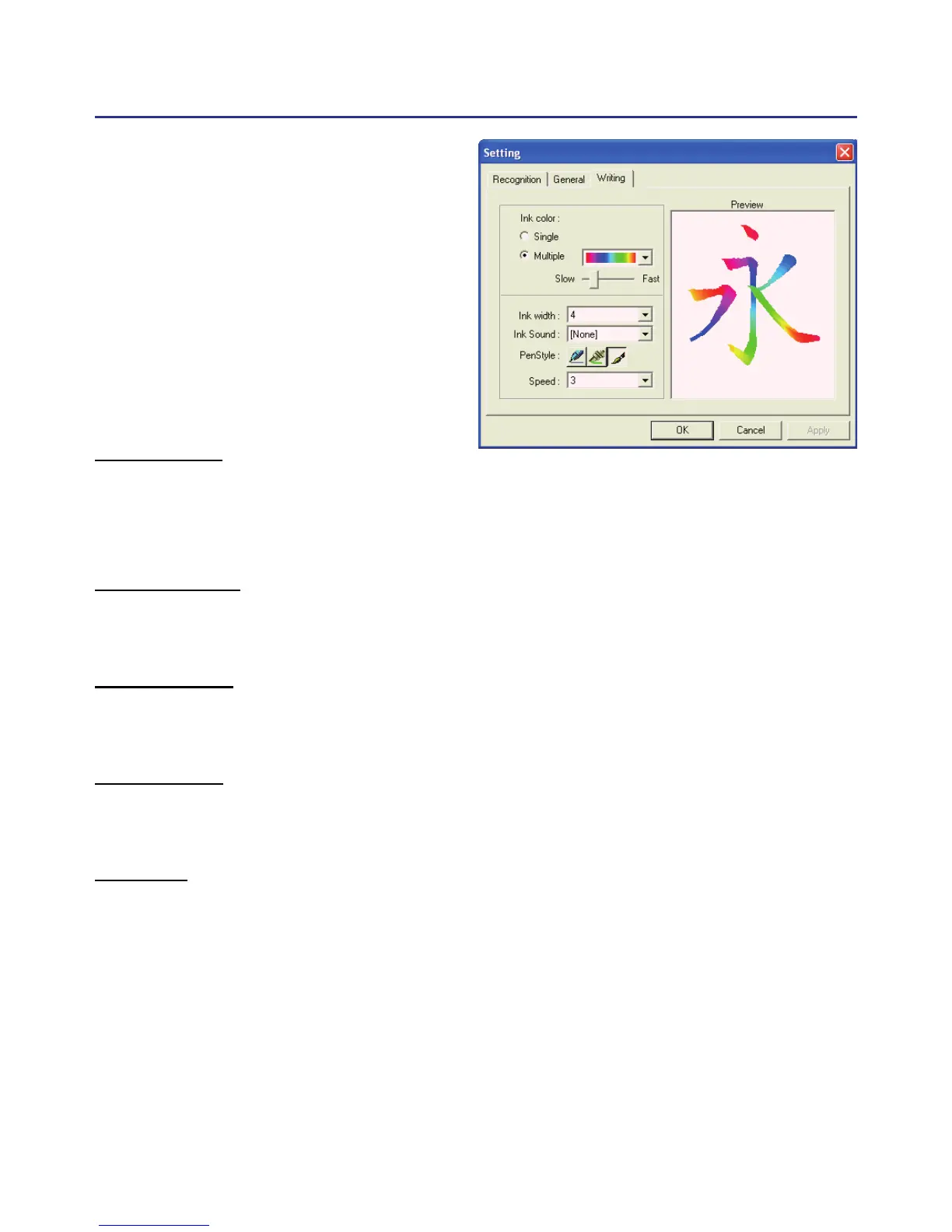
4.12.3 Writing Setting
Ink color :
Change the color of inking. You can adjust the smoothness of color
degree for “Multiple” option.
Ink width :
Change the thickness of inking.
Ink sound :
Change the sound effect while writing.
Pen style :
There three kind of pen style to choose.
Speed :
There are several levels of writing speed you can set. After you stop
writing, the less the relative value is, the shorter the timeout waiting for
recognition is.



 To Next Page