4-4
4.3.2 Full Screen Handwriting Mode
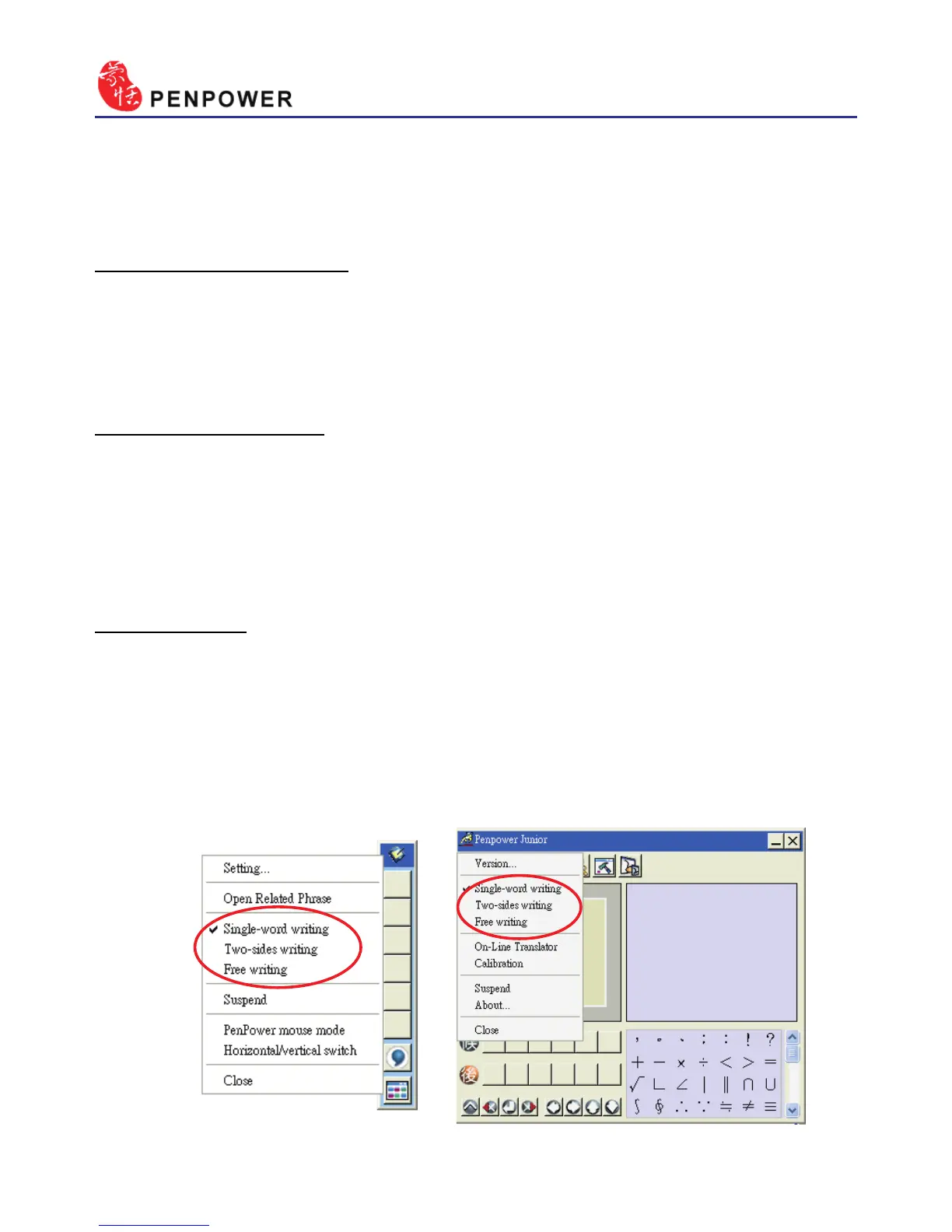
There are three different options of full screen mode in the main menu.
Single-word writing
It is allowed to handwrite one word only at one time.You can not hand-
write the next word until the recognition result of current word has been
nished.
Two-sides writing
After the rst stroke is written, one vertical line would be displayed
on the center of screen. All the strokes written on the same side would be
considered as part of one word. When a new stroke is crossed to the other
side, it means that the last word is nished and the next word start to write.
Free writing
You can handwrite multiple characters before recognition at one time.
Forty one characters at most is allowed. It permits left-to-right,or top-to-
bottom free writing order. Remember to keep adequate distance between
two contiguous words when you write. It affects the result of character
segmentation.



 To Next Page