2-2
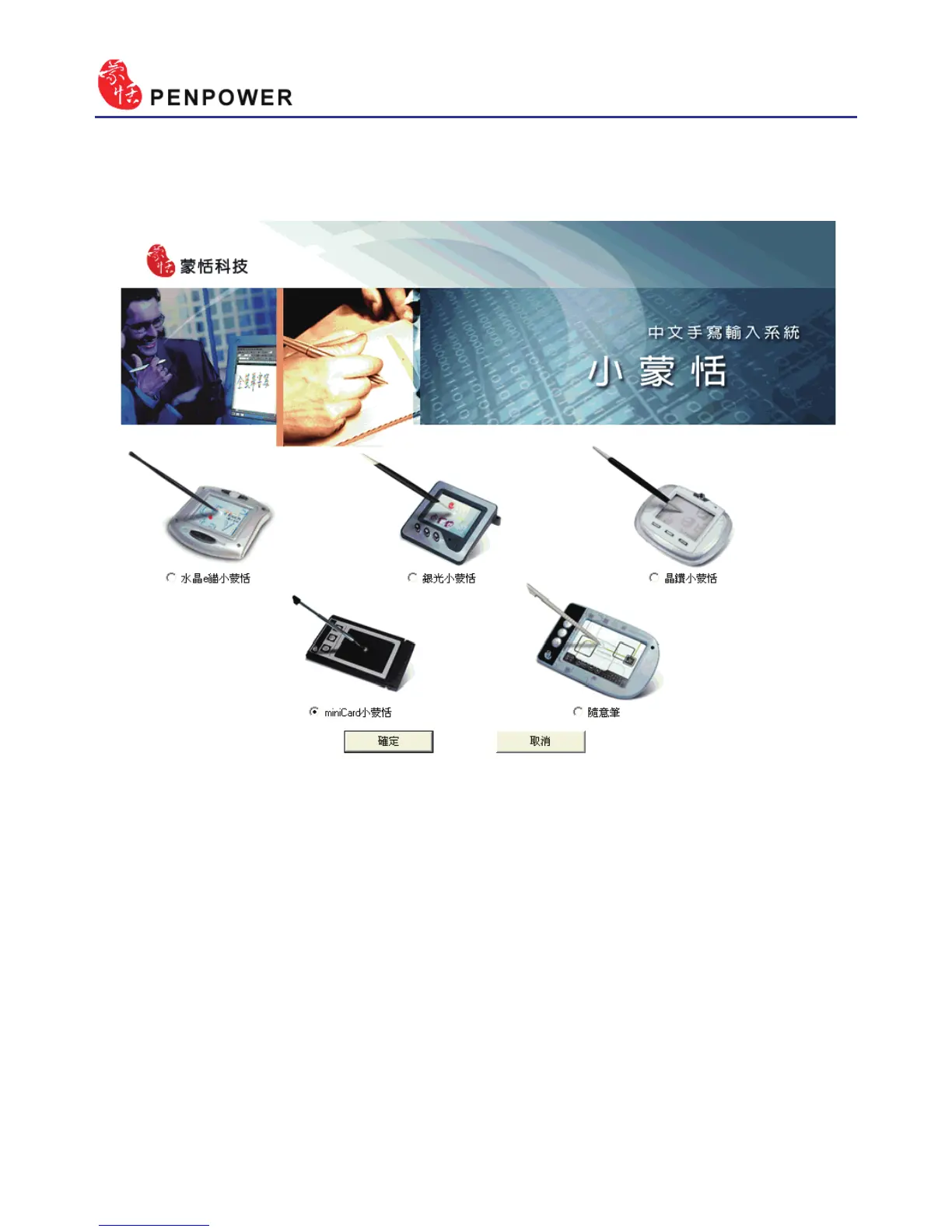
2. Please select your Penpower Junior model then press the “Conrm” but-
ton.
3. Please select the language version you wish to install then press “Con
-
rm”. Please close all Penpower applications to ensure that the install/
repair process will run properly. Follow the instructions on screen and
carry out the installation process as directed. When installation is com-
plete, please restart your computer.



 To Next Page