Chapter 2 Installation
2-5
Note: You can select the setup type of typical, compact, or custom.
Note: You can select the language of handwriting recognition kernel.
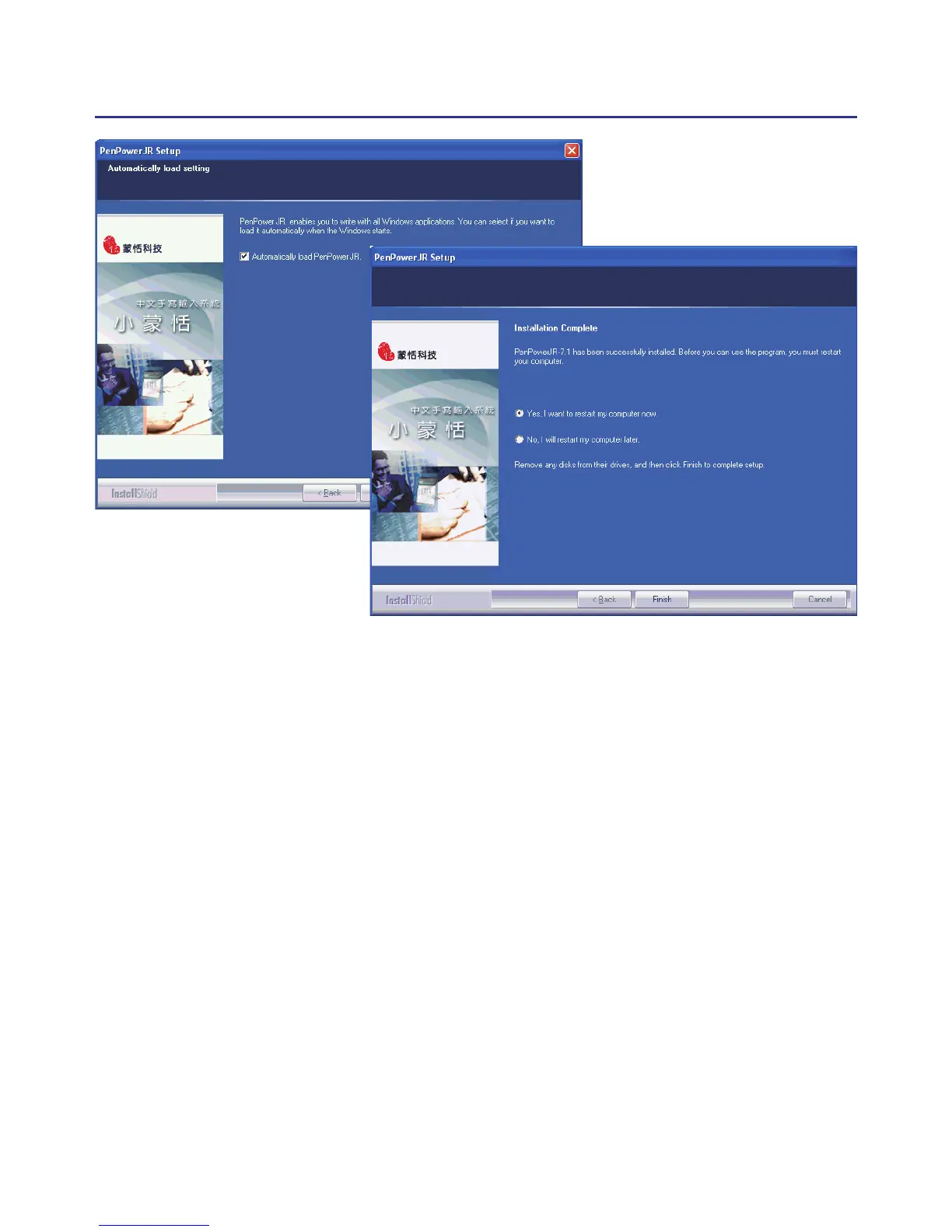
Note: Enable to auto-load the handwriting software when the windows starts.
Note: Penpower Junior offers two handwriting modes: Traditional and New
Handwriting/Mouse. We recommend that you choose to install the New
Handwriting/Mouse mode. If you are an existing Penpower Junior user
and prefer to use the Traditional mode then you may choose to install the
Traditional mode instead. The two modes only differ in their interface but
have the same set of functions.



 To Next Page