Chapter 4 New Handwriting/Mouse Mode
4-9
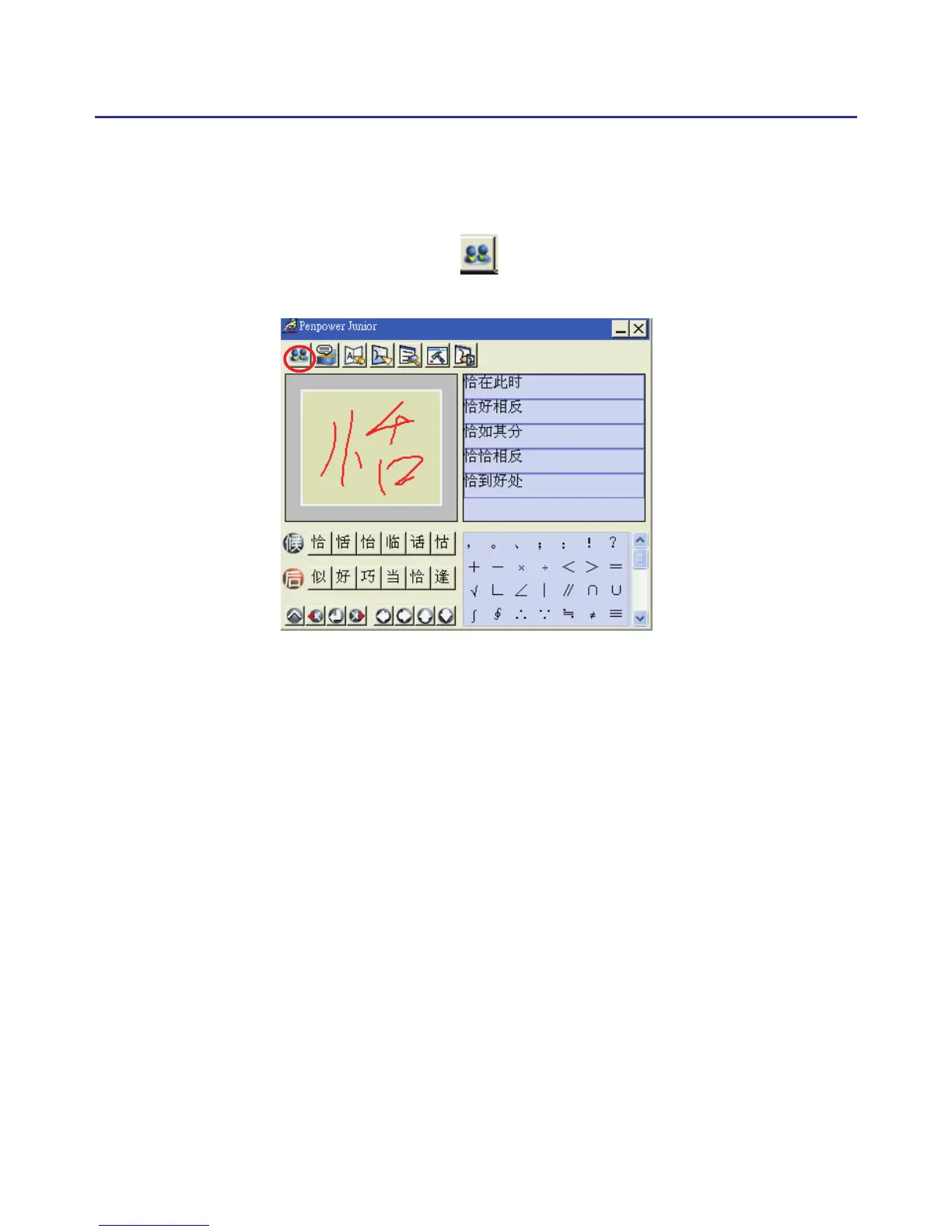
TIP: You can also press the touch pad’s middle button to switch to the mouse
mode. If the correct word appears among the candidate words, simply click
on it to make the change. If the correct word is not among the candidate
words, press the “Penpower AI” button to open the AI dialogue eld to
train the software.



 To Next Page