107
Shooting Functions
4
Choose the part of the viewfinder to set focus to. The factory default
setting is S (Auto).
The selected AF point lights red in the viewfinder. (Superimpose AF Area)
Set with the AF point switching dial. (p.19)
1
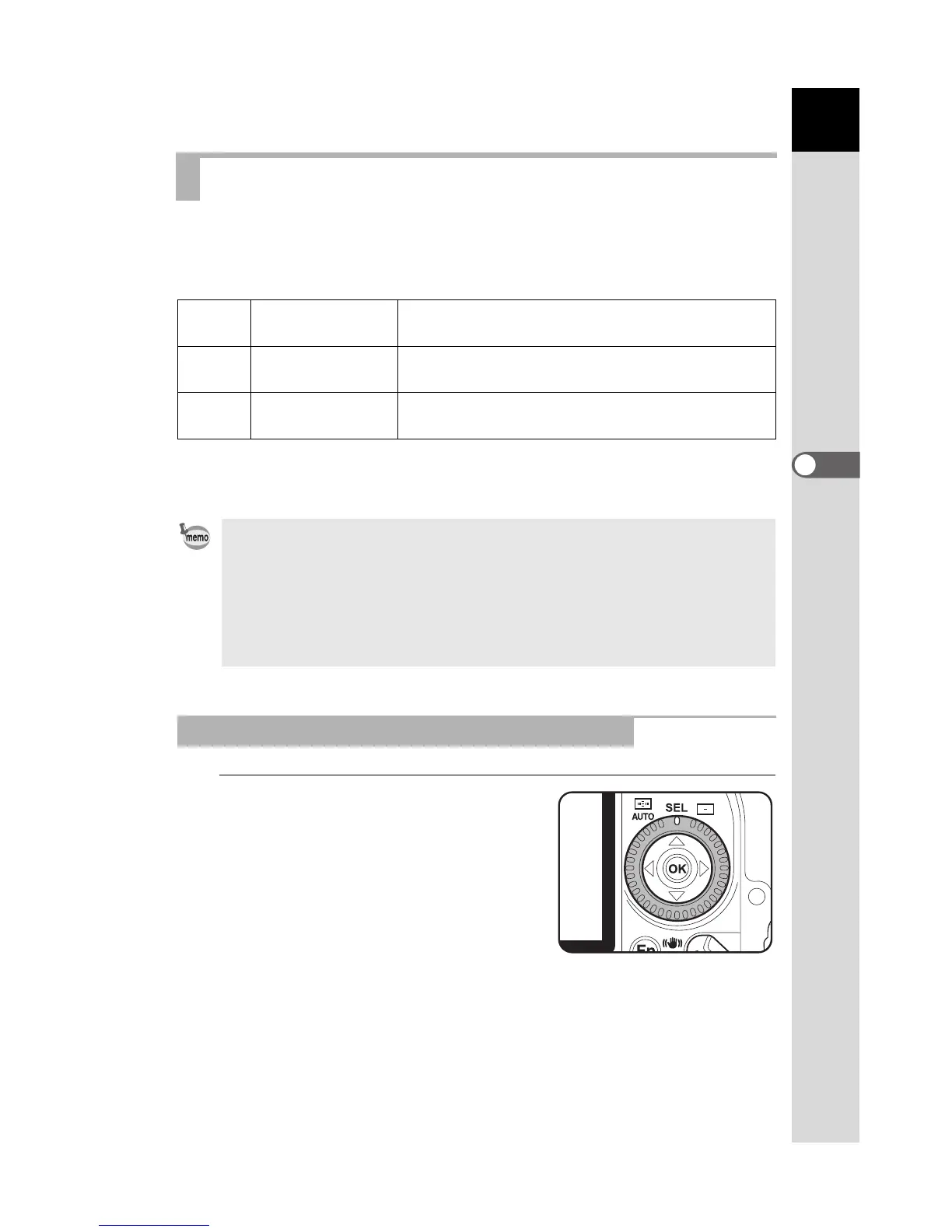
Select j (Select) with the AF
point switching dial.
Selecting the Focusing Area (AF Point)
S
Auto
The camera selects the optimum AF point even if
the subject is not centered.
j
Select
Sets the focusing area to one of the eleven points
in the AF area.
U
Center
Sets the focusing area to the center of the
viewfinder.
• AF point is not displayed in the viewfinder when [Off] is selected for [15.
Superimpose AF Area] in the [A Custom Setting] menu. (p.74)
• When [Center AF Point] is selected in [13. = Button Function] in the [A
Custom Setting] menu, the camera can be set to return the AF point to the
center when j (Select) is set and the = button is pressed. (p.73)
• The AF point is fixed to the center position regardless of this setting with
lenses other than DA, D FA, FA J, FA or F lenses.
Setting the Focus Position in the Viewfinder



 To Next Page
 Loading...













