163
Shooting Settings
6
You can adjust the white balance depending on the light source when
taking pictures. With Manual White Balance, the camera can store delicate
shades that cannot be precisely adjusted with the white balance preset
values provided in the camera (p.160). This provides the optimum white
balance for your surroundings.
1
Press the { button.
The Fn menu appears.
2
Press the four-way controller (4).
The White Balance screen appears.
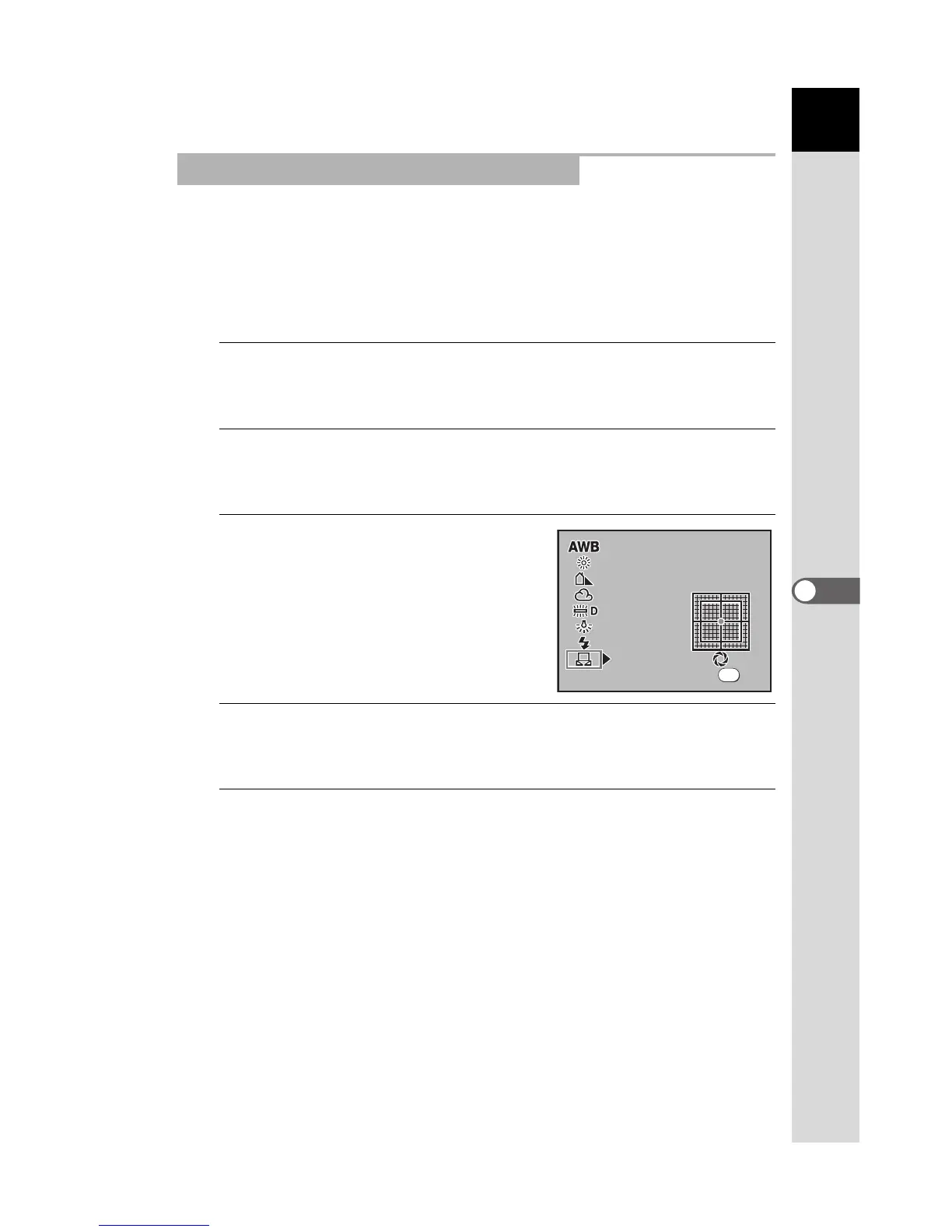
3
Use the four-way controller (3)
to select K (Manual).
4
Press the four-way controller (5).
The White Balance fine tune screen appears.
5
Under the light to adjust the white balance, fully display a
white sheet of paper in the viewfinder or select a white
area as the subject.
Adjusting the White Balance Manually
5000K



 To Next Page
 Loading...













