180
Playback Functions
7
3
Press the four-way controller
(5).
Start screen is displayed and slideshow
begins.
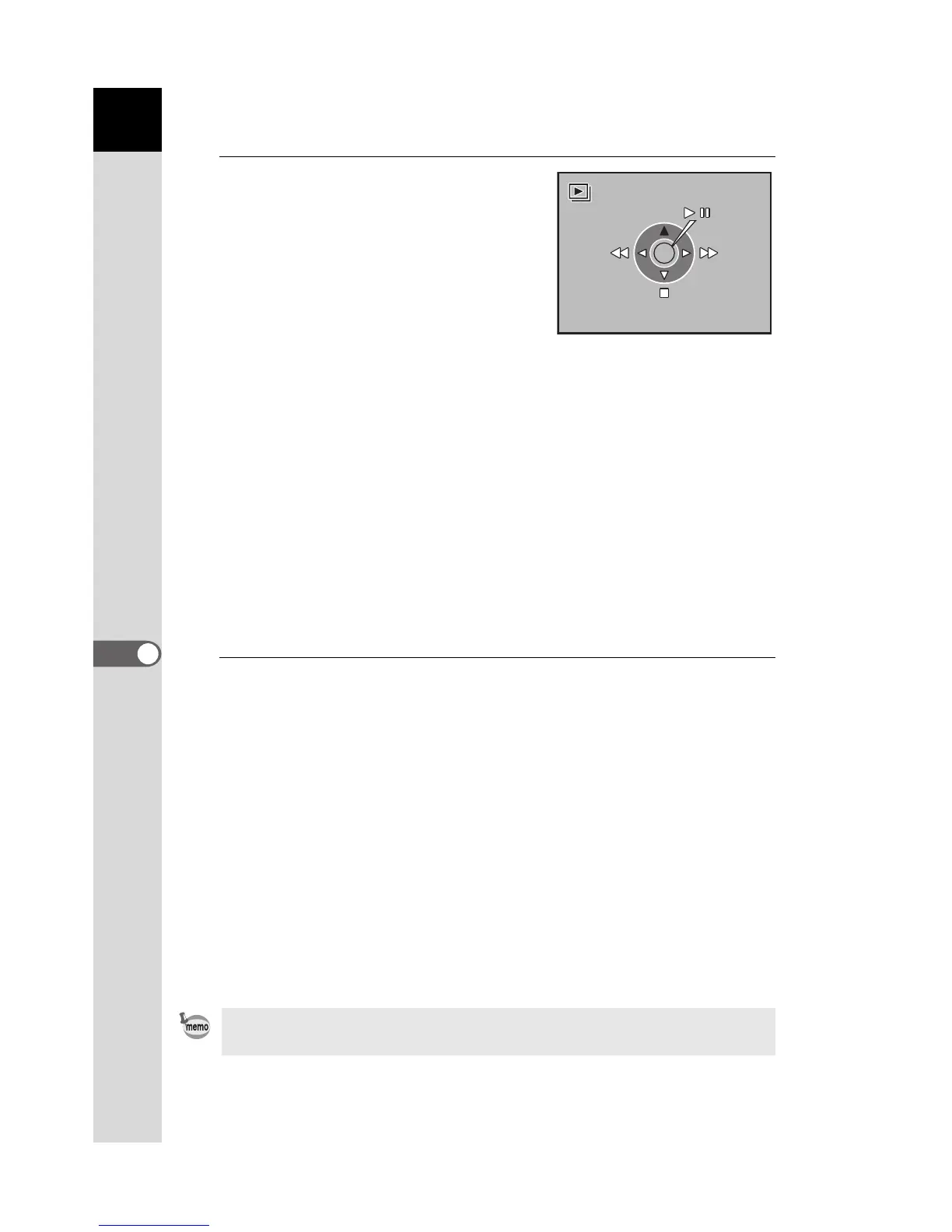
Operations available during a slideshow
Operations available when paused
4
Stop the slideshow.
Slideshow ends when one of the following is performed during playback
or when paused.
• Four-way controller (3) is pressed
*1
• Q button is pressed
*1
• 3 button is pressed
*1
• Shutter release button is pressed halfway or fully
*2
• = button is pressed
*2
• Main switch is turned to the | position
*2
• Mode dial is turned
*2
*1 After slideshow ends, the camera switches to normal Playback mode.
*2 After slideshow ends, the camera switches to Capture mode.
4 button Pause
Four-way controller (4) Shows previous image
Four-way controller (5) Shows next image
Four-way controller (3)Stop
4 button Resumes playback (Restart)
Four-way controller (4) Shows previous image
Four-way controller (5) Shows next image
Four-way controller (3)Stop
Set the display time for slideshow in the [Q Playback] menu. Alternatively,
start the slideshow from the [Q Playback] menu. (p.181)
OK
Start



 To Next Page
 Loading...













