108
Shooting Functions
4
2
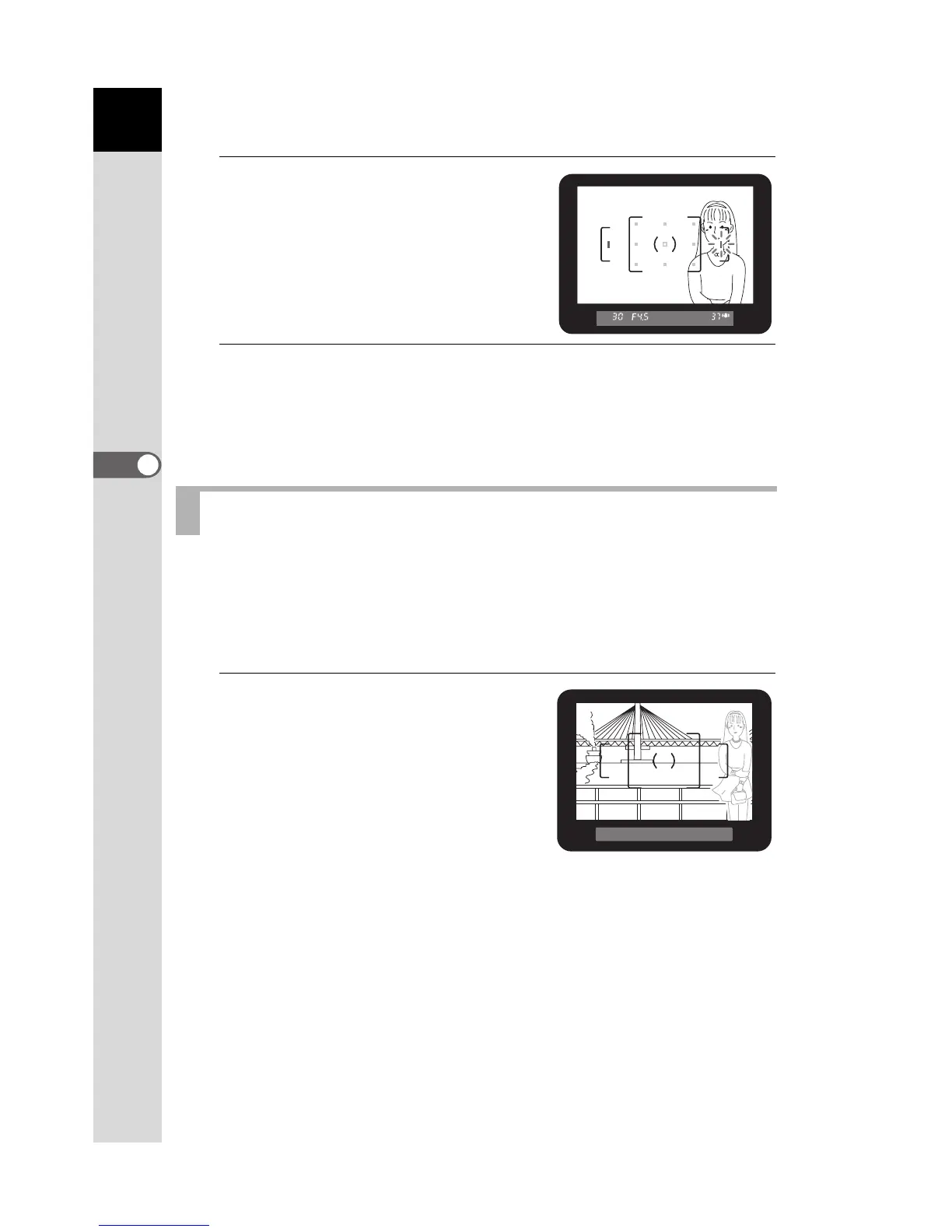
Look through the viewfinder
and check the position of the
subject.
3
Use the four-way controller (2345) to select the desired
AF point.
The AF point lights red in the viewfinder (Superimpose AF Area) and you
can check where you set the AF point.
If the subject is outside the range of the focusing area, the camera cannot
automatically focus on the subject. In this situation, set the focus mode
lever to l (Single mode). You can aim the focusing area toward the
subject, use focus lock and recompose the picture.
1
Frame the desired composition
for your picture in the
viewfinder.
Use focus lock function when the
subject you wish to focus on is not
inside the focusing area.
Fixing the Focus (Focus Lock)
(Example)
The person is out of
focus and the background is
focused instead.



 To Next Page
 Loading...













