154
Shooting Settings
6
Setting the Image Processing Method
in Capture Mode (Custom Image)
By using Custom Image to change the [Image Tone], you can adjust
settings such as the color and contrast before shooting an image.
Select from the following six modes for Image Tone: Bright, Natural,
Portrait, Landscape, Vibrant and Monochrome.
The default setting varies depending on the [Language/ ] setting
(p.224), and it may be set to [Natural].
You can adjust the following items for Image Tone.
*1 This can be set when any mode other than [Monochrome] is selected.
*2 This can be set when [Monochrome] is selected.
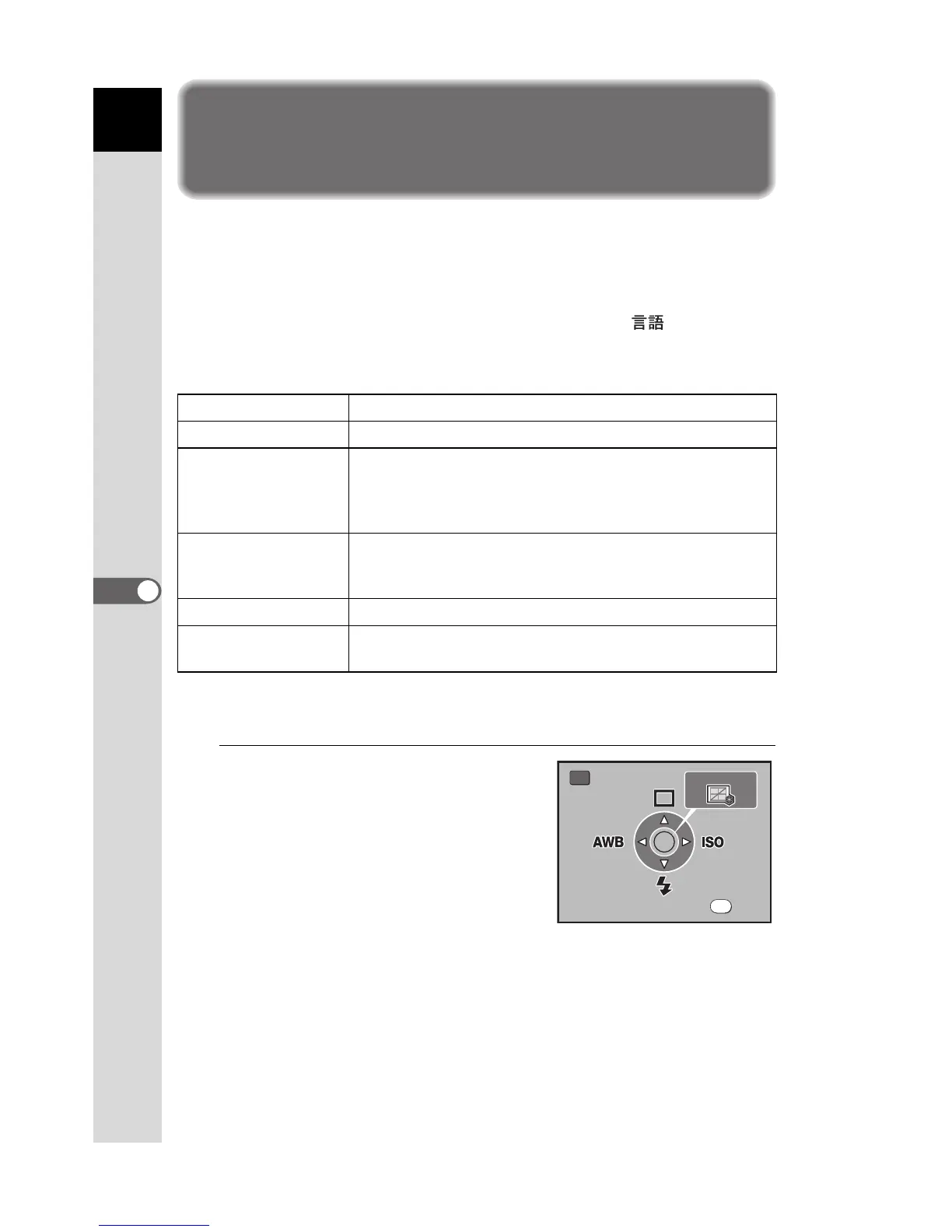
1
Press the { button in Capture
mode.
The shooting Fn menu appears.
Saturation
*1
Sets the color saturation. (Available settings: –4 to +4)
Hue
*1
Sets the color. (Available settings: –4 to +4)
Filter Effect
*2
Changes the contrast to appear as if a B&W color filter
was used. Sets the filter color. (Available settings: [None],
[Green], [Yellow], [Orange], [Red], [Magenta], [Blue],
[Cyan], [Infrared Color])
Toning
*2
Sets the level for cold tone adjustment (- direction) and
warm tone adjustment (+ direction). (Available settings:
–4 to +4)
Contrast Sets the image contrast. (Available settings: –4 to +4)
Sharpness
Set the sharpness of the image outlines. (Available
settings: –4 to +4)
Exit



 To Next Page
 Loading...













