212
Printing from the Camera
9
1
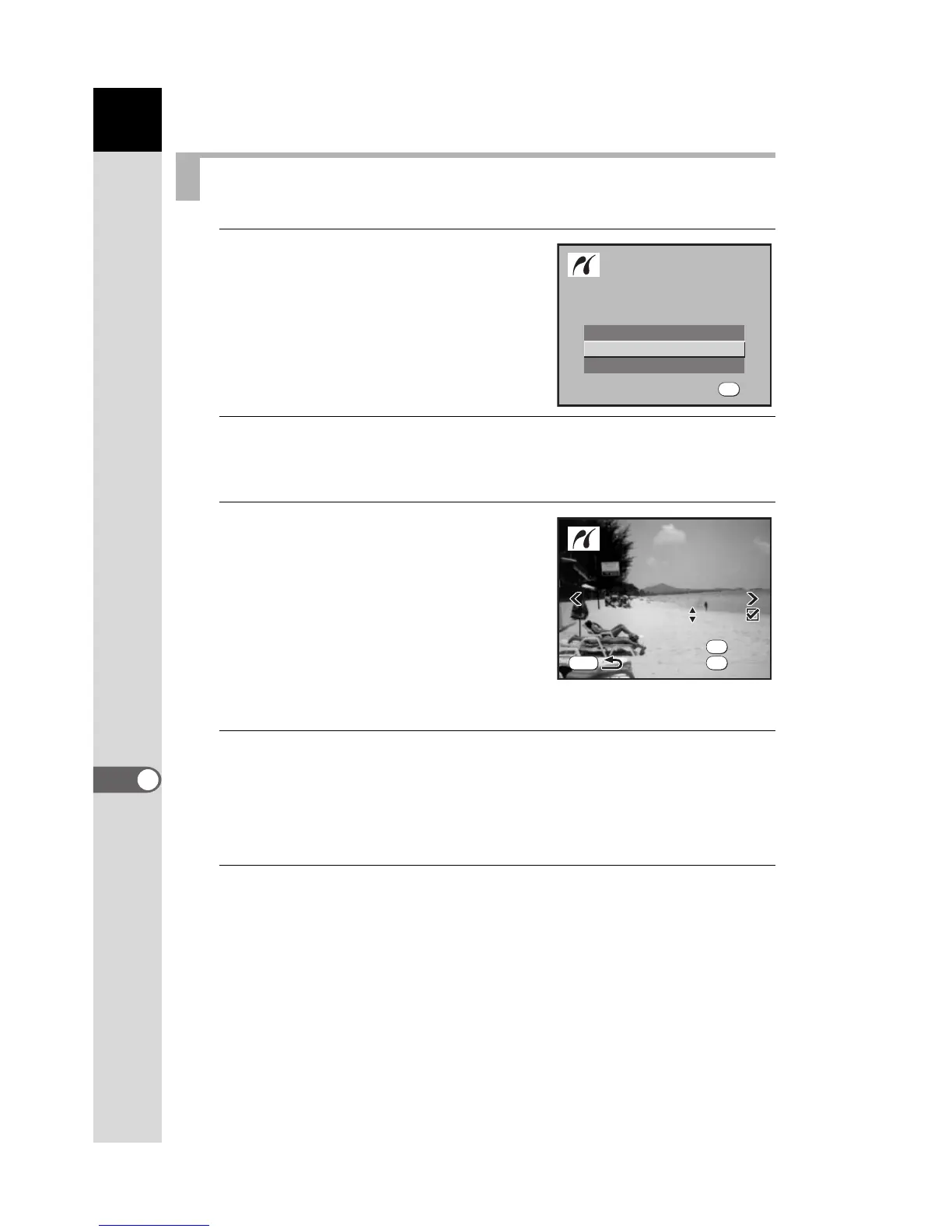
Use the four-way controller
(23) to select [All Images] on
the PictBridge menu.
2
Press the 4 button.
The Print all images screen appears.
3
Choose the number of copies
and whether to imprint the date
or not.
The number of copies and the date setting
that you choose apply to all of the images.
Refer to Steps 4 and 5 of “Printing Single
Images” (p.210) for details on how to
make the settings.
4
Press the 4 button.
The print settings confirmation screen appears.
Refer to Steps 7 to 11 of “Printing Single Images” (p.211) for details on
how to change the settings.
5
Press the 4 button on the print settings confirmation
screen.
All the images are printed according to the settings.
Press the 3 button to cancel printing.
Printing All Images
Single Image
All Images
DPOF AUTOPRINT
OK



 To Next Page
 Loading...













