190
Playback Functions
7
1
Press the Q button.
2
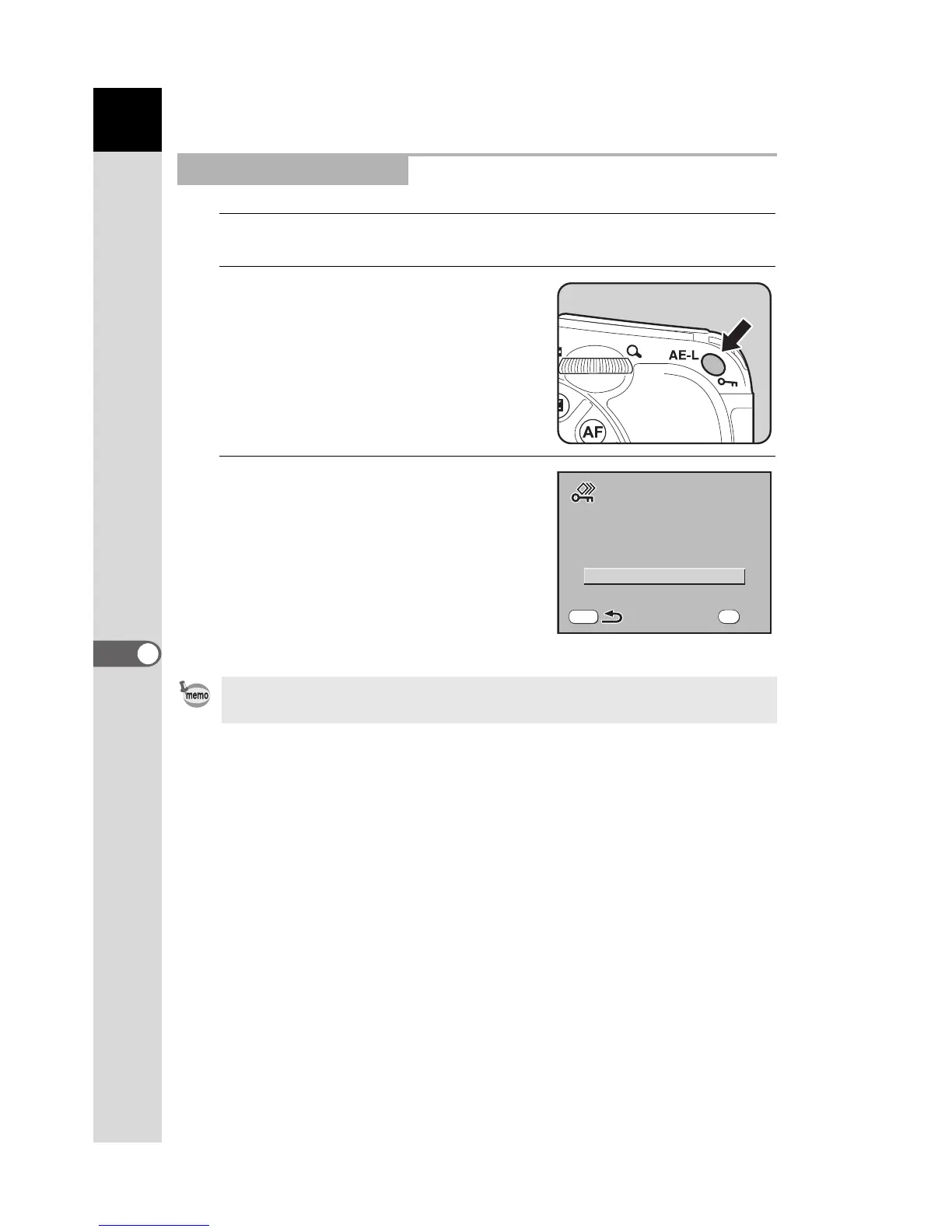
Press the Z button twice.
The Protect all images screen appears.
3
Press the four-way controller
(23) to select [Protect] and
press the 4 button.
All images saved in the SD Memory Card
are protected.
Protecting All Images
Select [Unprotect] in Step 3 to cancel the Protect setting on all of the images.
Protect
OK



 To Next Page
 Loading...













