133
Shooting Functions
4
Storing User Settings
You can store the current camera settings and easily retrieve them simply
by setting the mode dial to A.
The following settings can be stored.
Store the settings in [USER] in the [R Set-up] menu.
You can also perform settings when the mode dial is set to
A
.
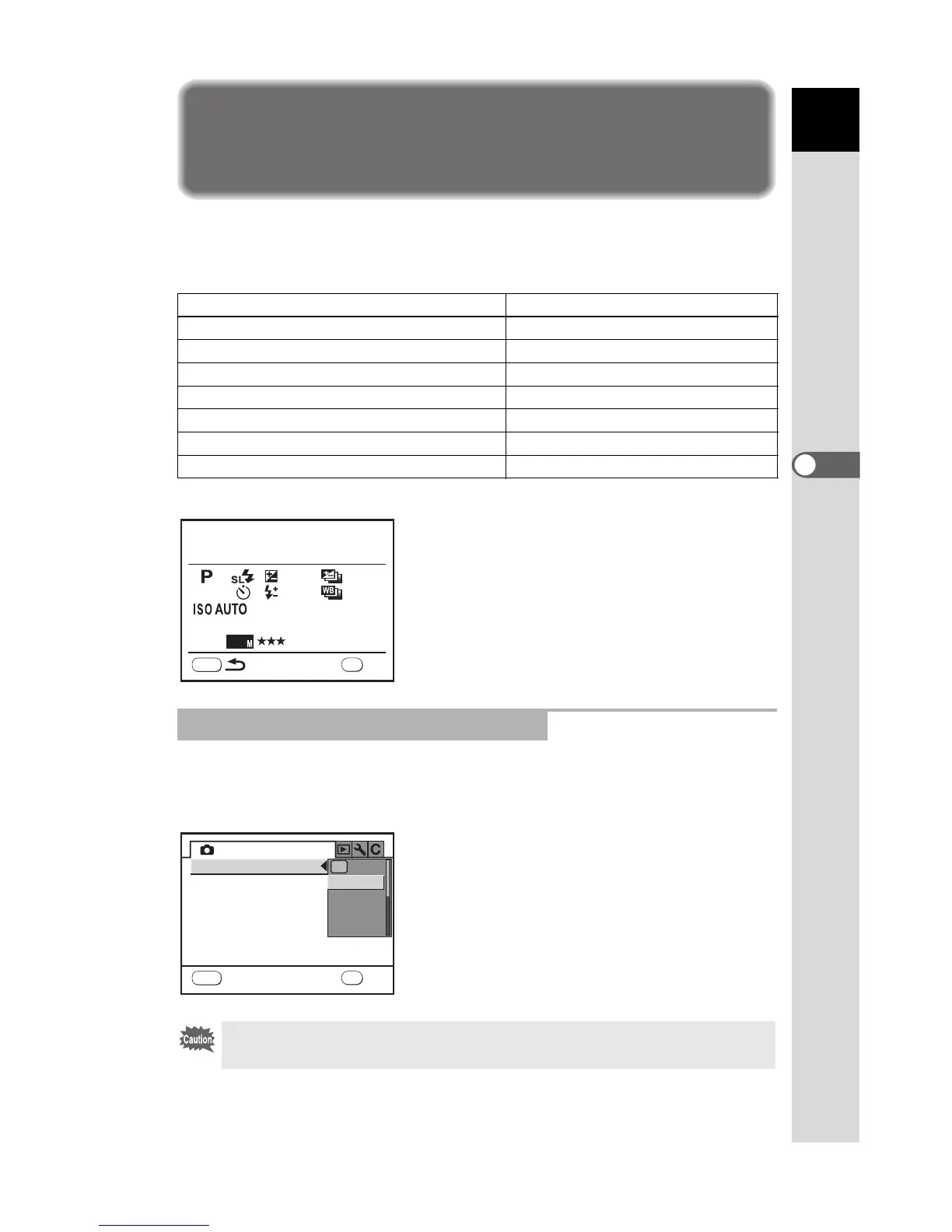
To change the Exposure Mode, press the 3 button in Capture mode
and perform settings in [Exposure Mode] in the [A USER] menu.
Exposure Mode Auto Sensitivity Adjustment Range
Flash Mode White Balance
EV Compensation Color Space
Exposure Bracketing Steps & No. of Frames
File Format
Drive Mode JPEG Recorded Pixels
Flash Exposure Compensation JPEG Quality
Extended Bracketing Steps & Type Expand Dynamic Range
Sensitivity RAW file format
Changing the Settings in A Mode
Changed settings are not saved unless they are registered in [USER] in the [R
Set-up] menu. When the camera is turned off, the saved settings are applied.
MENU
+1.3



 To Next Page
 Loading...













