111
Shooting Functions
4
2
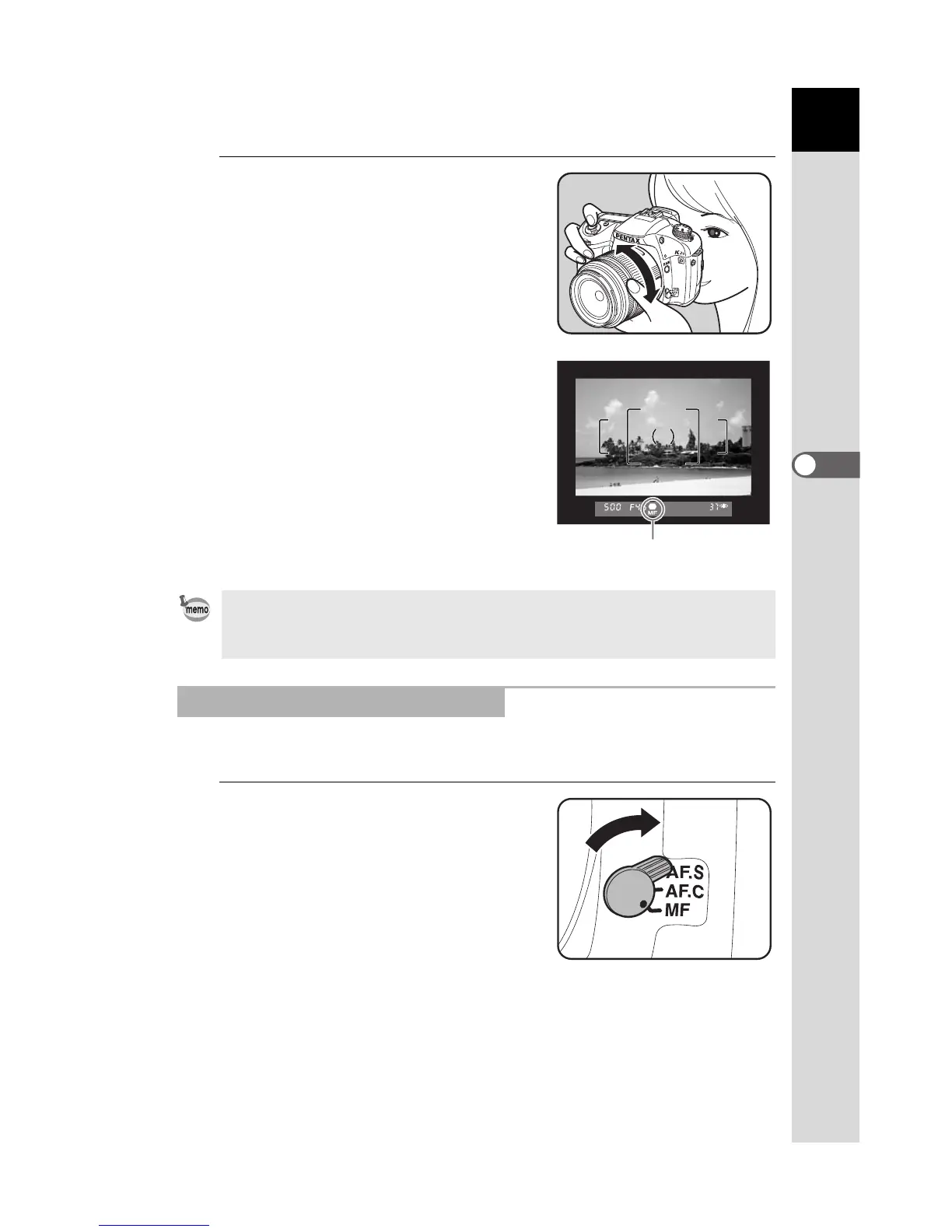
Look through the viewfinder,
press the shutter release
button halfway and turn the
focusing ring.
The focus indicator ] appears and
you will hear a beep when the subject
comes into focus.
You can manually adjust the focus using the viewfinder matte field.
1
Set the focus mode lever to
\.
• Focus manually using the matte field in the viewfinder when the subject is
difficult to focus (p.58) and the focus indicator will not stay lit.
• The beep can be turned off. (p.219)
Using the Viewfinder Matte Field
Focus Indicator



 To Next Page
 Loading...













