161
Shooting Settings
6
2
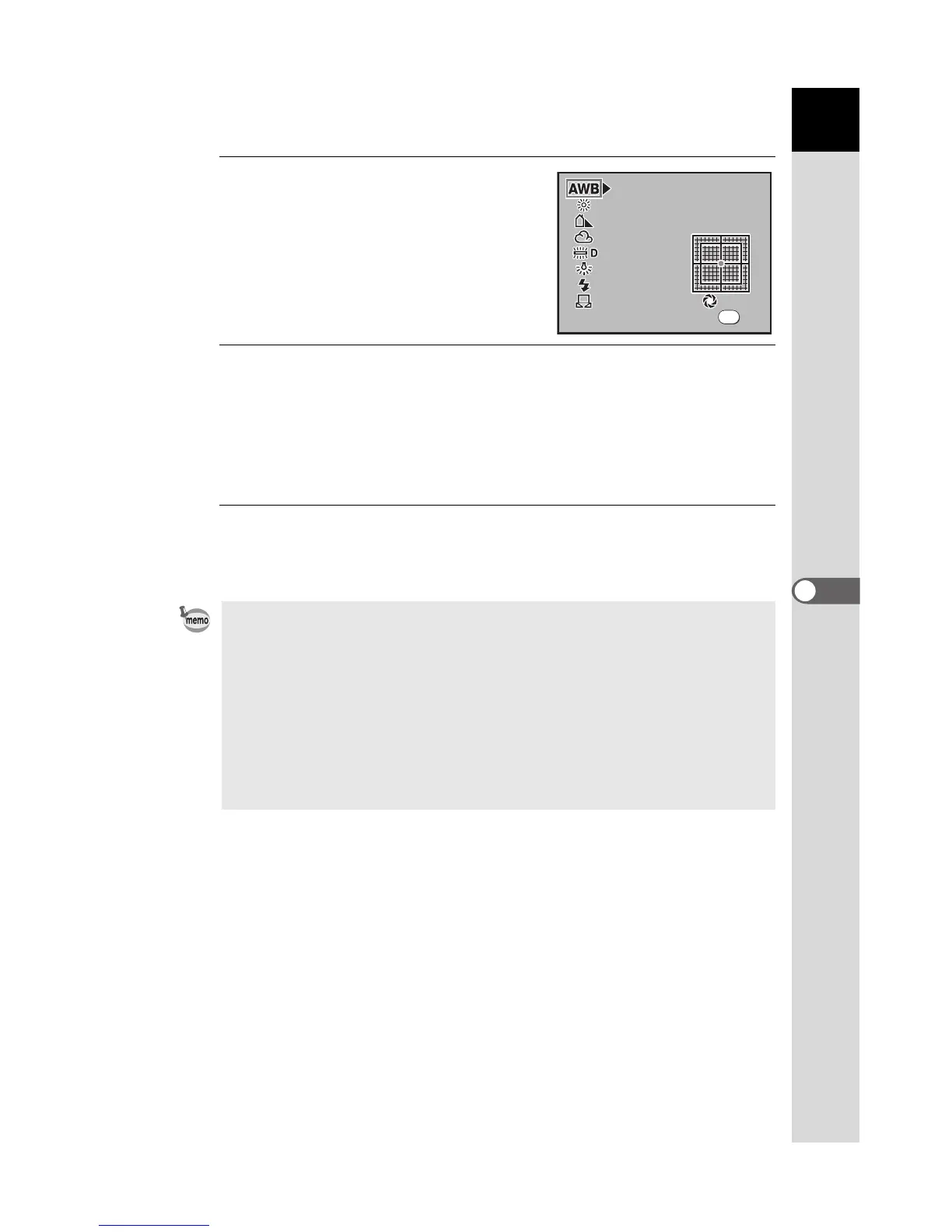
Press the four-way controller
(4).
The White Balance screen appears.
3
Press the four-way controller (23) and set.
Set the main switch to | to display Digital Preview with the set White
Balance.
Fine-tuning White Balance is easier with Digital Preview.
Press the { button to save the background Digital Preview image.
4
Press the 4 button.
The camera is ready to take a picture with the set White Balance.
• Refer to p.163 for manual adjustment method.
• Preview is Digital Preview, regardless of the [30. Preview Method] setting in
the [A Custom Setting] menu.
• The camera automatically performs fine-tuning even when the light source is
specified. The color temperature of the light source is fixed when [12. WB
Adjustable Range] in the [A Custom Setting] menu is set to [Fixed].
• Because the light source changes when the flash discharges, you can set the
white balance for when the built-in flash discharges. Select [AWB],
[Unchanged] or [Flash] in [11. WB when using flash] in the [A Custom
Setting] menu.
5000K



 To Next Page
 Loading...













