184
Playback Functions
7
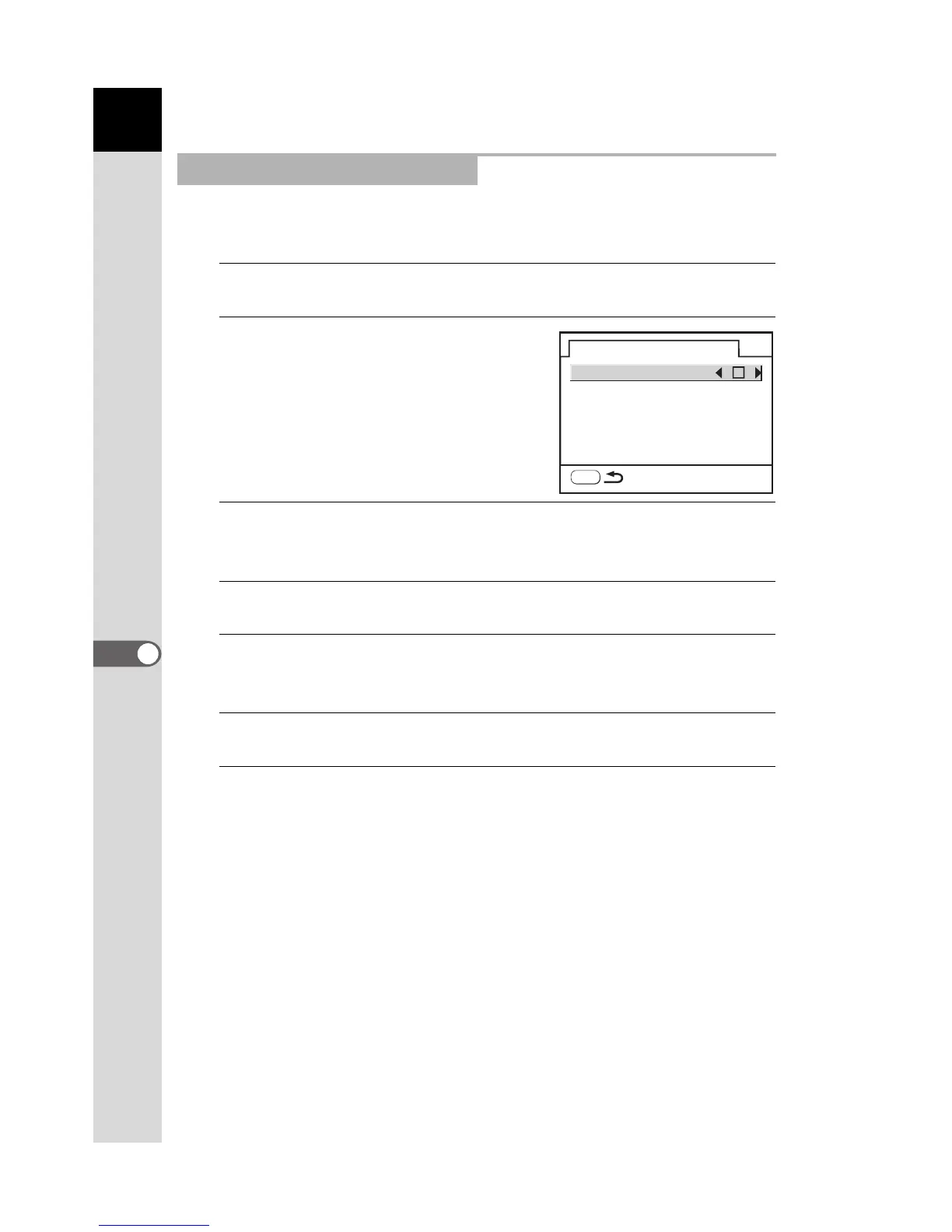
You can set whether or not to display the Bright/Dark area warning in
Playback mode and set the initial magnification when enlarging images.
1
Select [Playback display] in the [Q Playback] menu.
2
Press the four-way controller
(5).
3
Use the four-way controller (45) to select O (On) or P
(Off).
4
Use the four-way controller (3) to select [Quick Zoom].
5
Press the four-way controller (5) and use the four-way
controller (23) to select the magnification.
6
Press the 4 button.
7
Press the 3 button twice.
The camera is ready to take or play back images.
Setting the Playback Display
Playback display
Bright/Dark area
Quick Zoom
Off
MENU



 To Next Page
 Loading...













