163
Playback Functions
6
1
Select [Start] in Step 2 on p.162, and press the 4 button.
Or, select u (Slideshow) in the playback mode palette,
and press the 4 button.
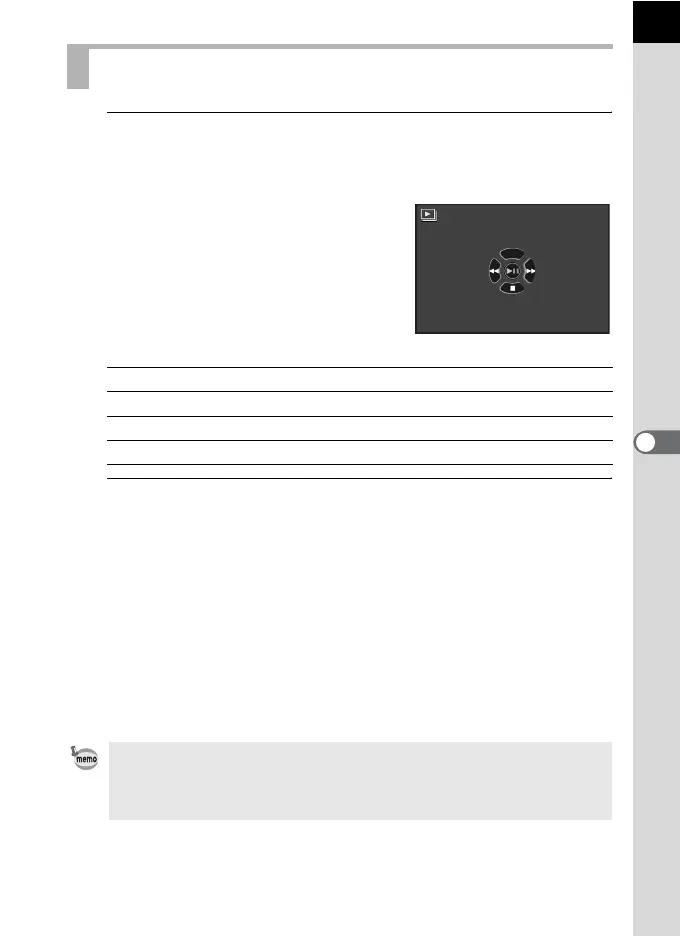
The start screen is displayed and the
slideshow begins.
Available operations
2
Stop the slideshow.
Slideshow ends when one of the following operations is performed
during playback or pause.
- the four-way controller (3) is pressed
*1
- the Q button is pressed
*1
- the 3 button is pressed
*1
- the shutter release button is pressed
*2
- the mode dial is turned
*2
*1 After slideshow ends, the camera switches to normal Playback mode.
*2 After slideshow ends, the camera switches to Capture mode.
Starting the Slideshow
4 button Pauses/resumes playback.
Four-way controller (4) Shows the previous image.
Four-way controller (5) Shows the next image.
Four-way controller (3) Stops playback.
For movies, only the first frame is displayed and then the next image is
displayed after the set interval has elapsed. To play a movie during a
slideshow, press the 4 button while the first frame is displayed. After the
playback of the movie is finished, the slideshow will resume.
Start



 To Next Page