65
Shooting Functions
4
The following settings can be performed in
the [A Rec. Mode 1-3] menus.
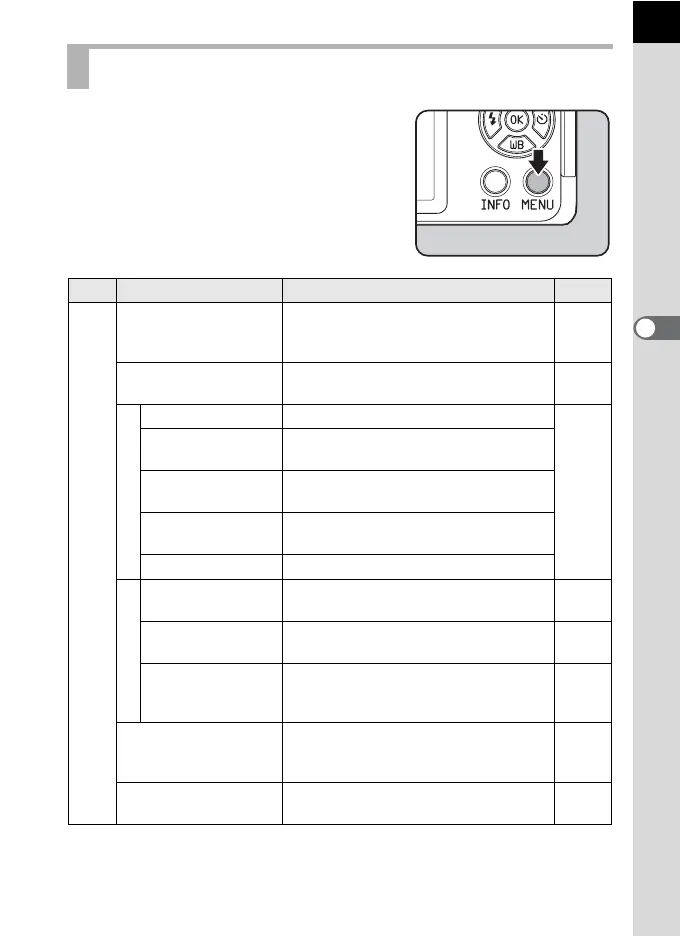
Press the 3 button in Capture mode to
display the [A Rec. Mode 1] menu.
Rec. Mode Menu Items
Menu
Item Function Page
A1
Custom Image
*1
Sets the image finishing tone such as
color and contrast before shooting an
image.
p.131
Digital Filter
*1
Applies a digital filter effect when taking
pictures.
p.135
Image Capture Settings
File Format
*1
Sets the file format.
p.120
Aspect Ratio
*1
Sets the horizontal and vertical ratio of
images.
JPEG Recorded
Pixels
*1
Sets the recording size of images
saved in JPEG format.
JPEG Quality
*1
Sets the quality of images saved in
JPEG format.
Color Space Sets the color space to use.
Focus Settings
Focus Method
*1
Selects the autofocus or manual focus
mode.
p.86
Autofocus Method
*1
Selects the autofocus method in =
mode.
p.87
MF Assist
Enlarges the monitor display during
manual focus and makes it easier to
focus on the subject.
p.93
AE Metering
*1
Selects the part of the sensor to use for
measuring brightness and determining
exposure.
p.84
ND Filter
*1
Sets whether to use the ND filter built-in
to the lens.
p.148



 To Next Page